
Digital mailbox — Digipost or eBoks — is the channel where state, municipality and NAV send important letters to you electronically instead of on paper. Without a digital mailbox, letters may be missed or delayed. This guide shows how to set up Digipost or eBoks in 2026, what you receive there, and how to ensure critical decisions are not lost.
What is digital mailbox?
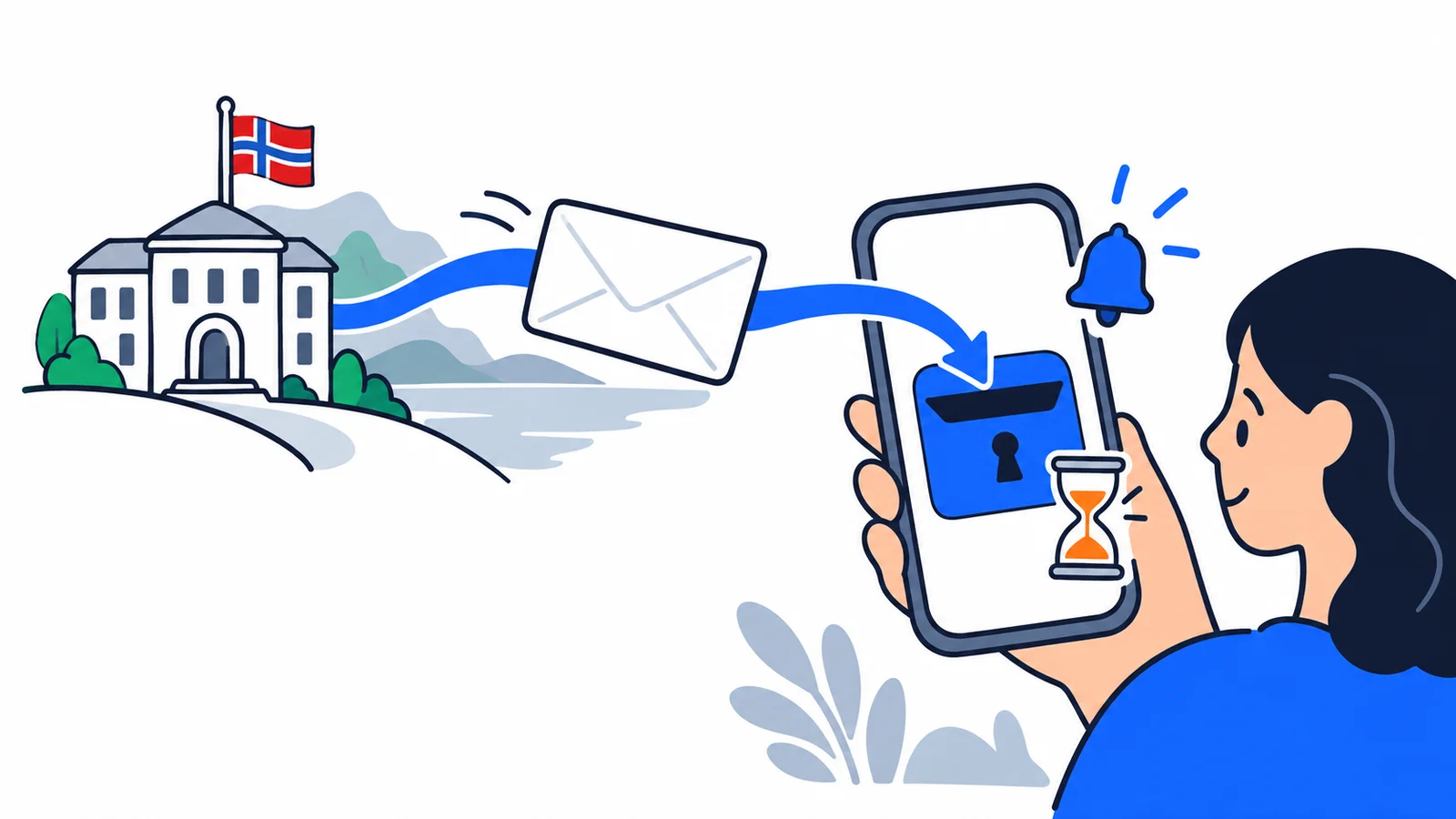
The Norwegian state has introduced digital-first strategy: letters are sent electronically unless you actively opt for paper. Digital mail has the same legal validity as postal letters, but is delivered within seconds.
The regulation is in eGovernment Regulation § 8 and eCom Act. The decision is considered received when delivered to your digital mailbox — not when you open it.
Two providers
- Digipost (Posten Norge) — Norwegian owner, linked to Posten
- eBoks (Danish company) — international company, also used in Denmark and Sweden
Both approved by the Norwegian Digitalisation Agency (DigDir) and meet security requirements.
What is sent to the digital mailbox?
From the state
- Tax return and tax settlement from Skatteetaten
- NAV decisions — unemployment, sickness, AAP, disability pension
- Decisions from Lånekassen
- UDI decisions on residence permit
- Police decisions — passport, ID card, criminal reports
- Court decisions — court rulings
- Husbanken — housing subsidy
From the municipality
- Kindergarten, school and after-school decisions
- Building permits
- Municipal fees (property tax, waste)
- Social assistance decisions — see NAV social assistance
From public services
- Datatilsynet, Consumer Council
- Norwegian Public Roads Administration
- HELFO (health services)
From Altinn
Altinn is a separate system for business (tax, annual accounts). Can send notifications to Digipost/eBoks. See freelancer and sole proprietor.
Setting up Digipost
Step 1: Register at digipost.no
- Go to digipost.no
- Click «Create mailbox»
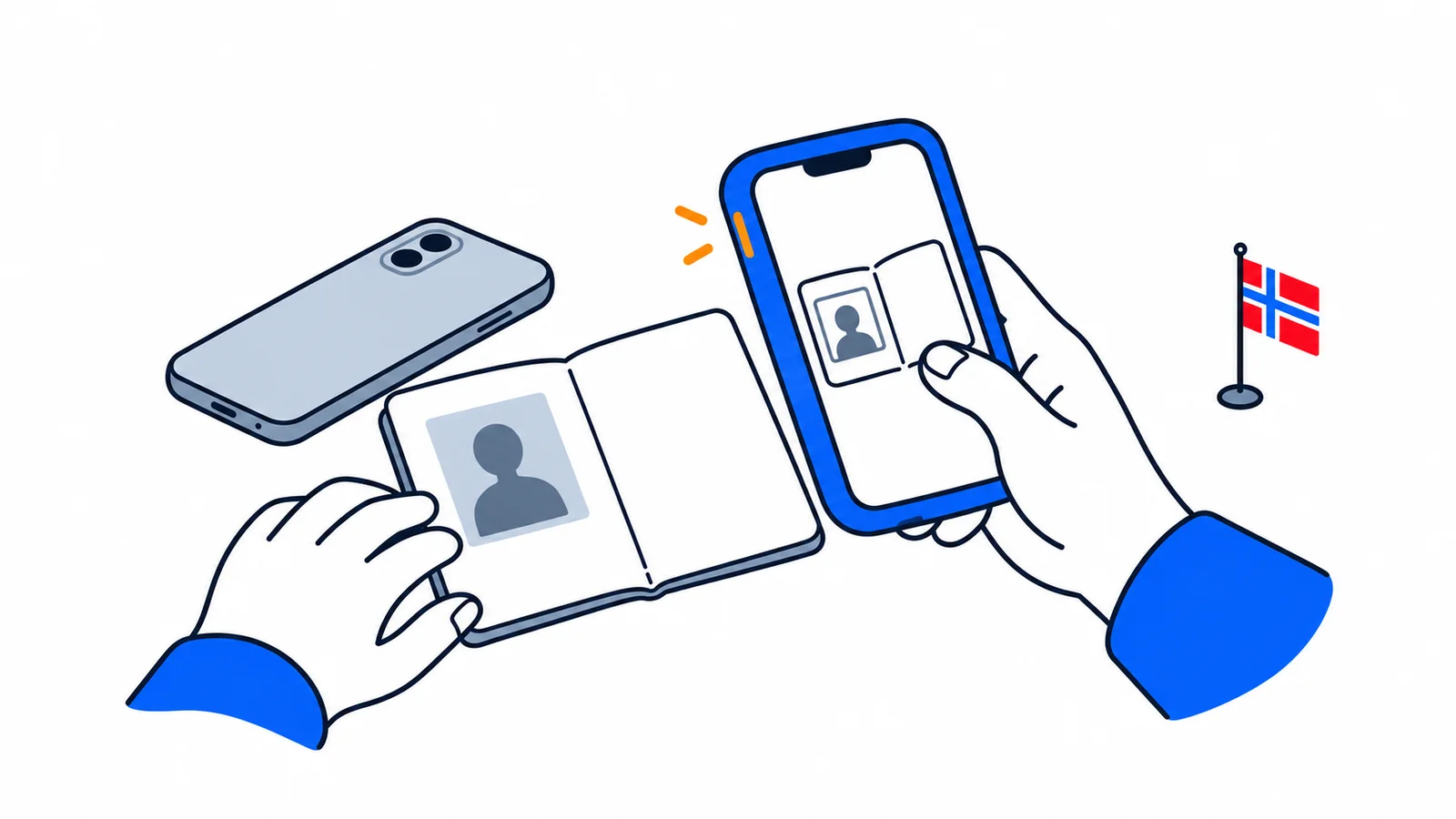
- Log in with BankID or MinID — see BankID and MinID
- Confirm email and phone
- Accept terms (privacy statement)
Step 2: Choose Digipost as primary mailbox
Choosing Digipost as primary mailbox means all public mail comes here:
- Log in to norge.no
- Under «My page» → «Digital mailbox»
- Choose Digipost (or eBoks)
- Confirm choice
Registered in Contact and Reservation Register — central register public agencies check.
Step 3: Set up notifications
- Email — recommended for new mail alerts
- SMS — for critical decisions
- Push notifications — Digipost app for smartphone
Recommended: activate email and SMS for important senders like NAV, Skatteetaten, UDI, Lånekassen.
Step 4: Download the app
- Digipost app (iOS/Android)
- eBoks app equivalent
- BankID login or Face ID/fingerprint
Setting up eBoks
Process almost identical:
- Go to e-boks.com/norge
- Click «Create user»
- Log in with BankID
- Confirm email and phone
- Choose eBoks as primary mailbox at norge.no
eBoks advantage: used in several Nordic countries, useful if you have ties to Denmark or Sweden.
Digipost advantage: easier link to Norwegian Posten services, larger Norwegian user base.
Alternatives and reservation right
Reserving against digital mail
You have right to reserve against digital communication under eGovernment Regulation § 8. You then still get paper letters.
How to reserve:
- Log in at norge.no
- Under «My page» → «Contact info»
- Choose «Reserve against digital communication»
Consequences: all public mail comes on paper — may delay 2-4 days, and some services (like Altinn notifications) don't work.
Altinn as alternative
Altinn (altinn.no) is a separate channel for business and tax:
- Login with BankID or Buypass
- Decisions from Skatteetaten, Brønnøysundregistrene
- Can forward notifications to Digipost/eBoks or email
Security and privacy
Technical security
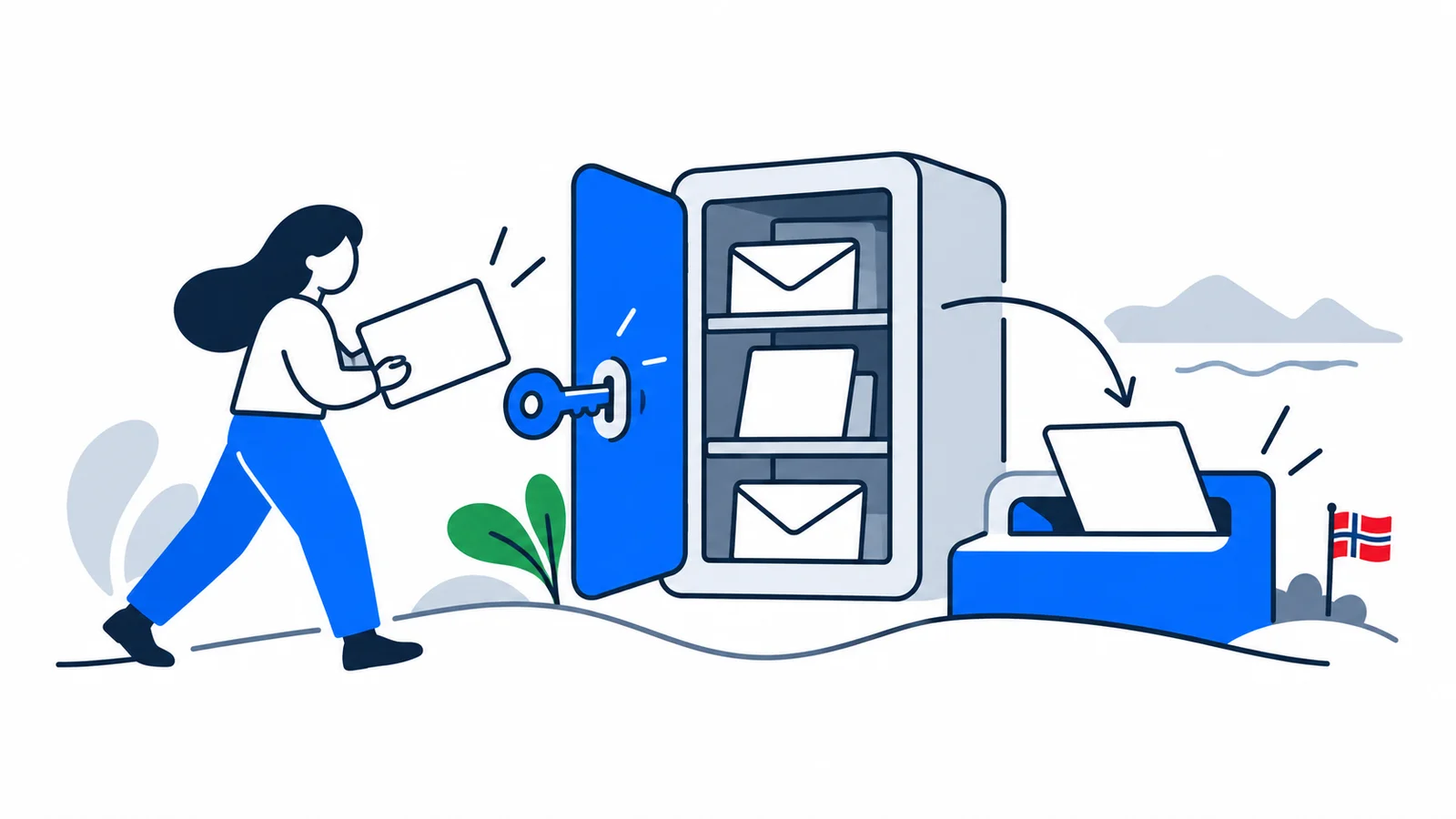
- End-to-end encryption — only you can read letters
- BankID login — strong two-factor authentication
- Automatic logout on inactivity
- Digital signing — public sender can sign letter
Privacy statement
Both Digipost and eBoks under GDPR:
- Data stored in EU/EEA
- Datatilsynet oversight
- Right to access, correction and deletion
Letter retention
- Digipost: letters stored until you delete, min 10 years for fee cases
- eBoks: varies by sender and letter type (usually 5–10 years)
- Download: important letters as PDF for own computer
Common questions
Can I have both Digipost and eBoks?
Yes — but only one can be primary mailbox for public mail at a time. Switch via norge.no.
What if I lose BankID access?
You must get new BankID first. See BankID and MinID. Without BankID cannot log in to Digipost/eBoks.
Are letters legally valid as paper letters?
Yes — full legal validity under eGovernment Regulation § 8. Appeal deadlines run from delivery in mailbox, not from opening.
What if I don't check mailbox for a month?
Letters considered received even if unread. Appeal deadlines may expire. Activate email/SMS notifications!
Can family members access my mailbox?
No — mailbox is personal. In illness or travel: use power of attorney.
What happens on death?
Survivors can apply for heir access via norge.no or Posten Norge.
Practical advice
1. Check mailbox at least weekly
Most decisions have 3-week appeal deadline. Ignoring the mailbox can cost rights.
2. Turn on all notifications
Email + SMS + push — better too many than losing a NAV decision.
3. Download important letters as PDF
Especially UDI, Skatteetaten, NAV decisions. Save copies on own computer.
4. Update email and phone
Changed email or phone number? Update in norge.no and Digipost/eBoks immediately.
5. Use power of attorney in illness
If you cannot check yourself, give a relative power of attorney via norge.no.
Summary
Digital mailbox (Digipost or eBoks) is the official channel for electronic mail from state, municipality and NAV in Norway. Decisions have full legal validity, and appeal deadlines run from delivery — not opening. Set up mailbox once at norge.no with BankID, activate email and SMS notifications, and check inbox at least weekly. Alternatively you can reserve against digital mail and get paper letters, but you lose speed and access to some services. Both Digipost and eBoks are GDPR-compliant, store data in EU/EEA, and monitored by Datatilsynet.