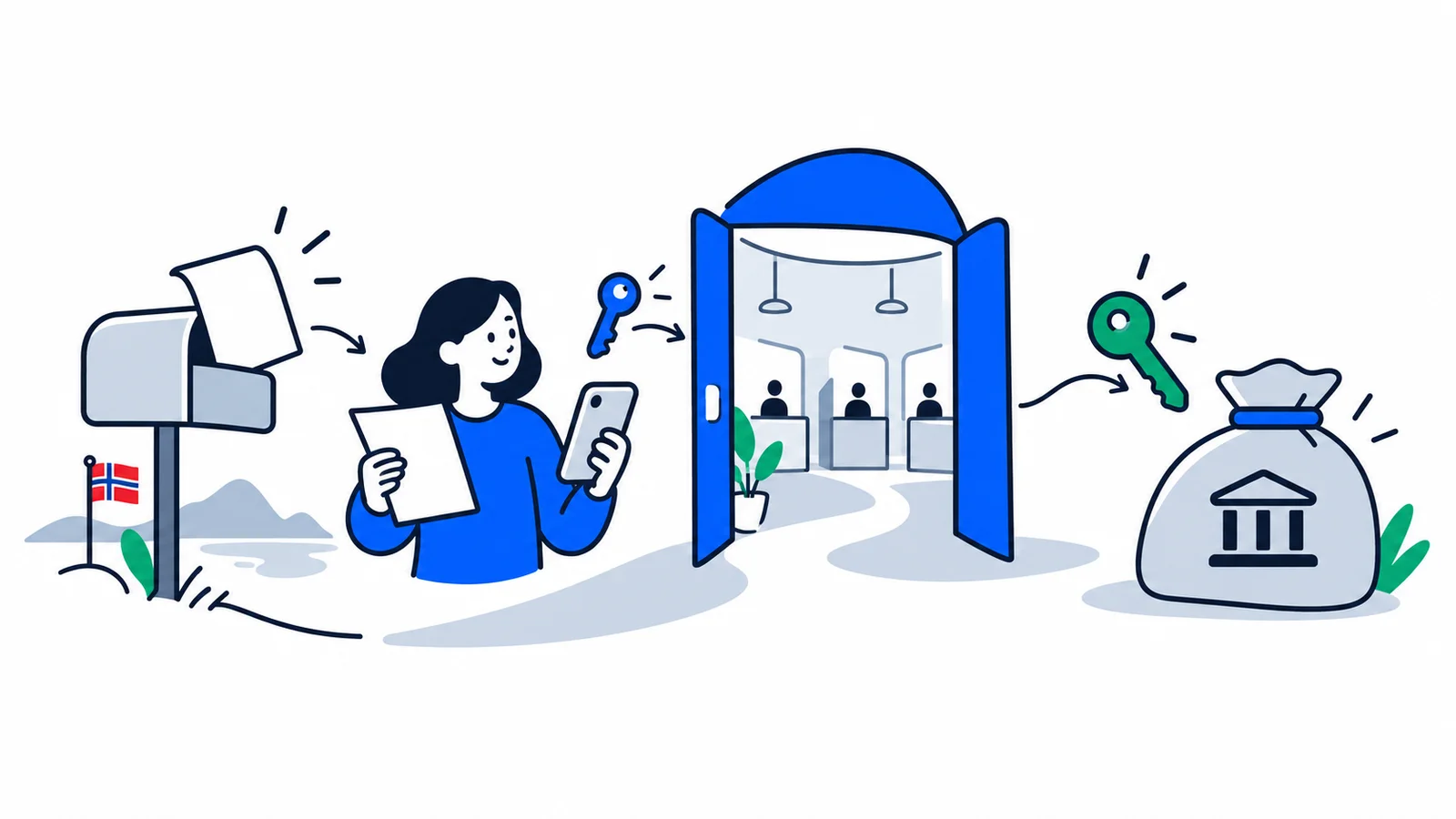
If you have a d-number but no bank account yet, you cannot get BankID yet. If you are wondering how to get BankID, the answer is to start with MinID: you order an activation letter, log in with your d-number, and reach NAV, Skatteetaten and Helsenorge through ID-porten without a bank.

Digital ID is the key to almost everything public in Norway. Without an electronic ID you cannot get into your page (Min side) at NAV, check your tax or read letters from the authorities. Many newcomers fall into a trap: they think they have to wait for BankID. But you only get BankID once you have a bank account, and the account often comes late. The good news is that there is a rung before BankID that works with just a d-number. This guide shows you the ladder, from the simplest level up to the highest, and what each rung unlocks.

How to get BankID when you have no bank account?

The short answer to how to get BankID without an account: you cannot, not right away. BankID is issued by your bank, and you must be a customer with a customer relationship (usually an account) before the bank can give it to you. If you are brand new in the country, you have often received a d-number in connection with a job or a tax card, but have not yet managed to open an account. Then BankID is on hold, and this is a common bottleneck for newcomers.

The solution is MinID. MinID is an electronic ID from Digdir (the Norwegian Digitalisation Agency) that you can get with a Norwegian ID number alone, completely without a bank. It lets you log in to most public services right away, while you wait for the bank account and BankID to fall into place. So for many the order is: first a d-number, then MinID, then a bank account, and finally BankID. If you need help with the account itself, read the guide on opening a bank account in Norway as a newcomer. To understand what a d-number is and how it differs from a national identity number, there is a separate explainer on the difference between a national identity number and a d-number.

How to get MinID with a d-number

MinID is usually the first rung for newcomers, and it is simpler than many think. Here is how:

  1. Order an activation letter. At minid.no you enter your d-number or national identity number and order an activation letter. You do not need a bank for this.
  2. Wait for the post. The letter is sent to your address in the National Population Register. According to Skatteetaten (the Norwegian Tax Administration), it takes a few days to arrive.
  3. Register the user. Once the letter has arrived, you create a MinID user: you choose your own password and link your mobile number.

When you log in, MinID uses two factors: your password plus a one-time code. You used to get codes in a separate PIN-code letter, but Digdir has phased out the PIN-code letters because they no longer meet the security requirements. Today you get the one-time code by SMS or via the MinID app. (Check the current login method at minid.no, since the solution is being updated.)

Important: you must have a Norwegian address registered in the National Population Register to receive the activation letter. A good place to prepare all the practical steps for your first days is the guide on your first week in Norway.

The security levels: from MinID to BankID

Not all electronic IDs are equally strong. ID-porten sorts them into security levels, and the higher the level, the more services you can access. There are three levels: low, substantial and high.

  • MinID is at the substantial level (also called level 3). It gives you access to most ordinary services: tax card, tax return, applications at NAV and much more.
  • BankID, Buypass and Commfides are at the high level (level 4). This is the strongest level and is required for the most sensitive services, for example sensitive health information on Helsenorge and to sign important documents electronically.

In practice you get far with MinID at the start. But some services, especially those involving health or signing, require the high level. Then you need an eID at the highest level, and for most people that means BankID as soon as the bank account is in place. There are six approved eIDs in Norway: BankID, BankID on mobile, Buypass ID (on smartcard and mobile), Commfides and MinID. BankID is clearly the most widespread, but Buypass and Commfides are fully valid alternatives at the same high level if your bank does not offer BankID right away.

What is ID-porten, and what does it unlock?

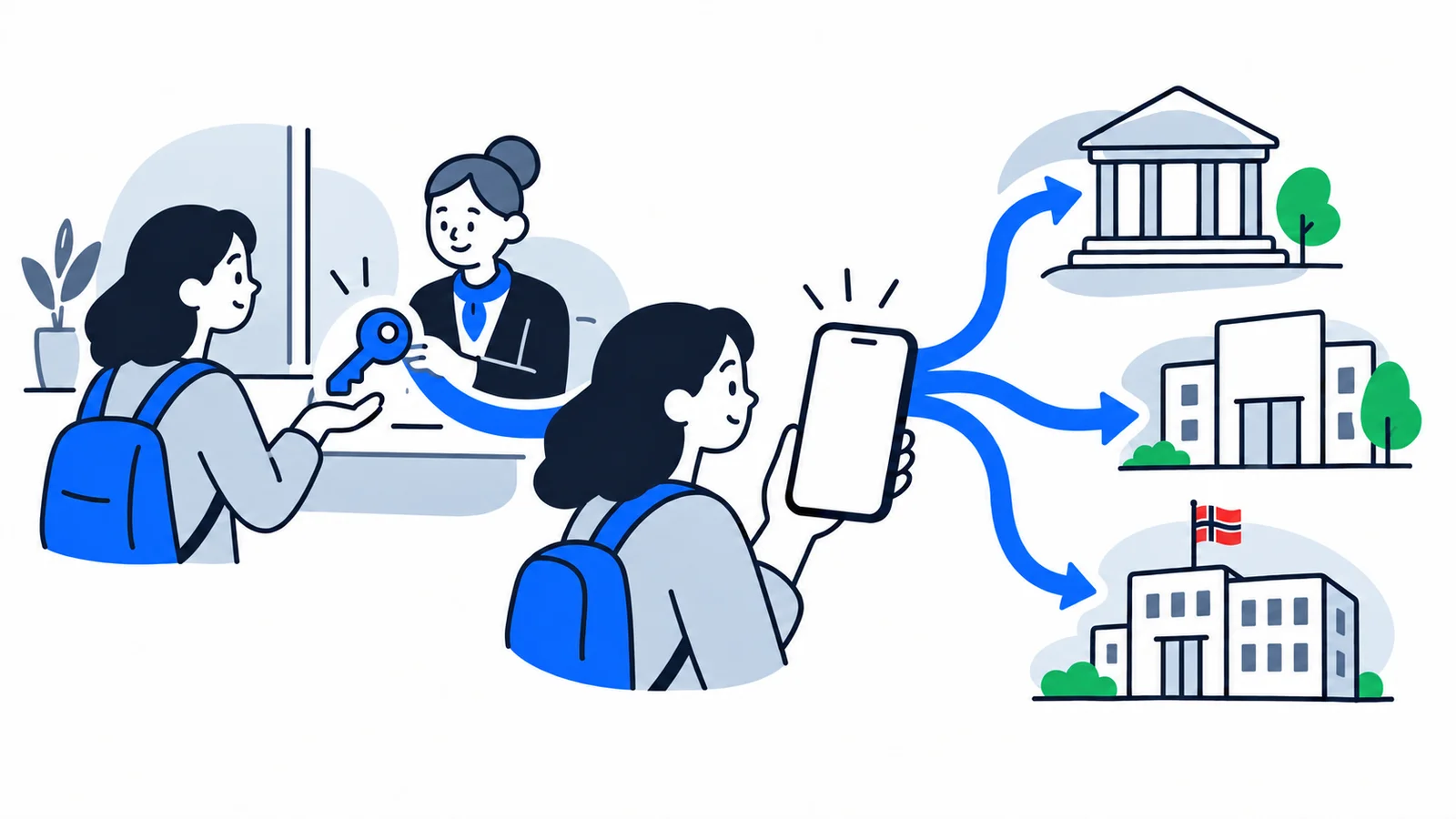
ID-porten is the shared login to public services in Norway, operated by Digdir. You choose which electronic ID you log in with: MinID, BankID, BankID on mobile, Buypass or Commfides. So it is the same door in, whichever eID you have.

Through ID-porten you reach, among others:

  • NAV – Min side, for unemployment benefit, child benefit, sick pay and other benefits.
  • Skatteetaten – tax card, tax return, and changing your address.
  • Helsenorge – appointments, prescriptions and contact with the health service (the most sensitive parts require the high level).
  • Altinn – forms and messages, especially if you run a sole proprietorship or other business.

So you log in to many different agencies with the same eID. Start with MinID, and most services work from day one.

Digital mailbox: do not miss letters from the state

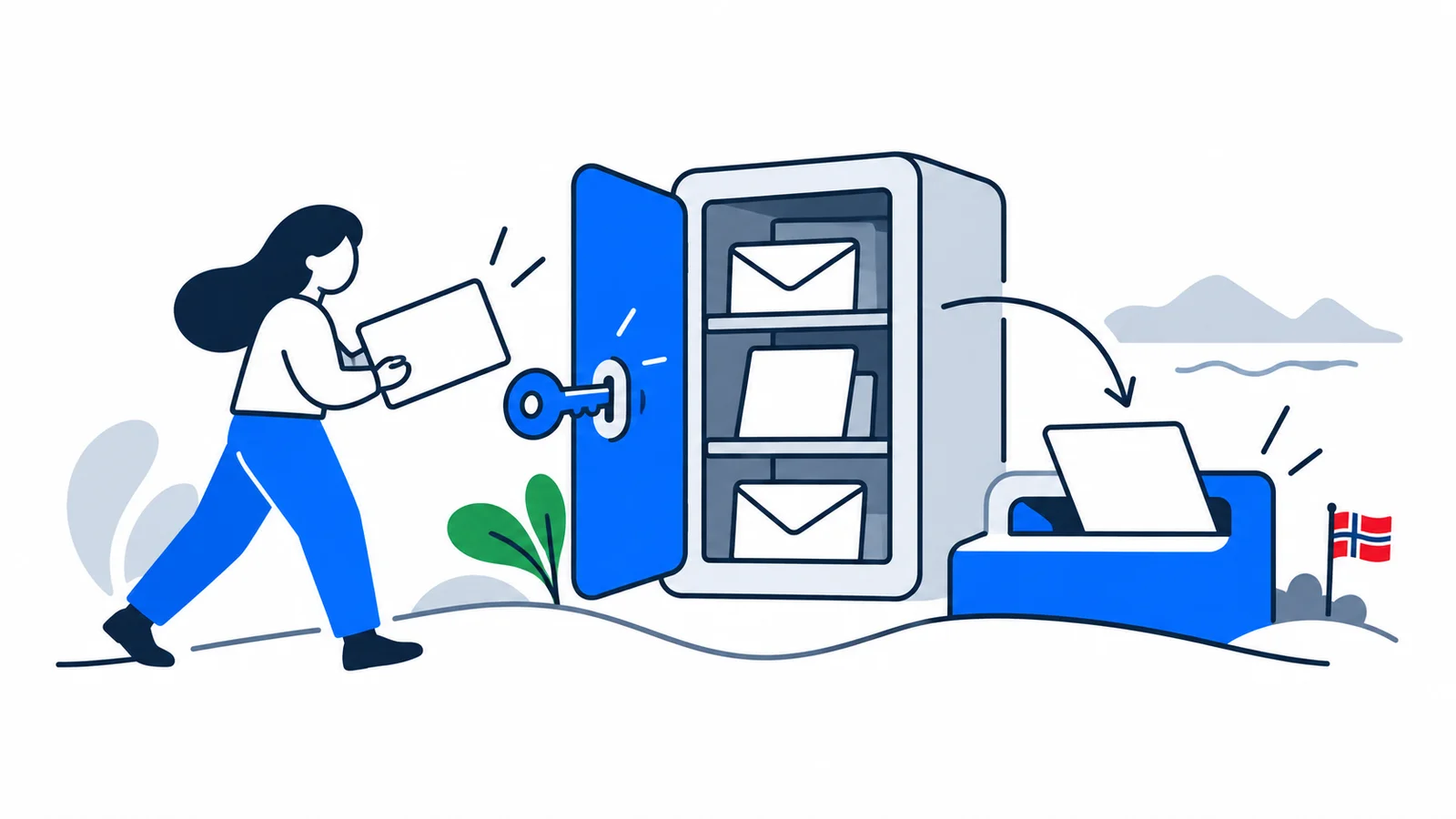
Once you have an eID, you should do one more thing right away: choose a digital mailbox. Many important letters from the authorities are no longer sent on paper but digitally, and without a digital mailbox you risk missing them.

In Norway you can choose between two free mailboxes: Digipost and e-Boks. Both meet strict security requirements, and you choose which one you want to use. You register your choice in the Contact and Reservation Register (you find it via norge.no). More than 700 state agencies and municipalities send post here, including tax assessments, police certificates and decisions from NAV.

Altinn is a separate inbox and portal, used mostly for forms and for communication if you have a business. Check both your digital mailbox and Altinn regularly, so you do not miss any deadlines.

Watch out for fraud from day one

Once you have a digital ID, it becomes a target for scammers. Never give away one-time codes, passwords or BankID codes to anyone who calls or sends a message, not even to someone pretending to be "the bank", "the police" or a public agency. A real agency never asks you to enter codes to "stop fraud". Read more about how to protect yourself from BankID fraud and fake contact attempts.

In short

  • If you only have a d-number, start with MinID: order an activation letter; it is free and needs no bank.
  • ID-porten is the shared login to NAV, Skatteetaten and Helsenorge; MinID is at the substantial level, BankID at the high level.
  • Choose a digital mailbox (Digipost or e-Boks) right away, so you do not miss official letters.

Start with MinID today, and upgrade to BankID once your bank account is in place. Then you have the key to all of digital Norway.