
Altinn is the public sector's digital office online. Here you receive messages from the state and submit forms, such as tax returns and VAT returns. You log in with electronic ID through ID-porten. Businesses and self-employed entrepreneurs use Altinn the most, but private individuals also have an inbox there.
What is Altinn?
Altinn is a common digital portal for the public sector in Norway. The portal is operated by the Digitalisation Directorate (Digdir). Through Altinn, many government agencies can send you messages and receive forms from you in one place.
Several agencies use Altinn. The most important are the Tax Administration, the Brønnøysund Register Centre, NAV (the Labour and Welfare Administration) and Statistics Norway (SSB). Instead of each agency having its own system, Altinn collects forms and messages in one place.
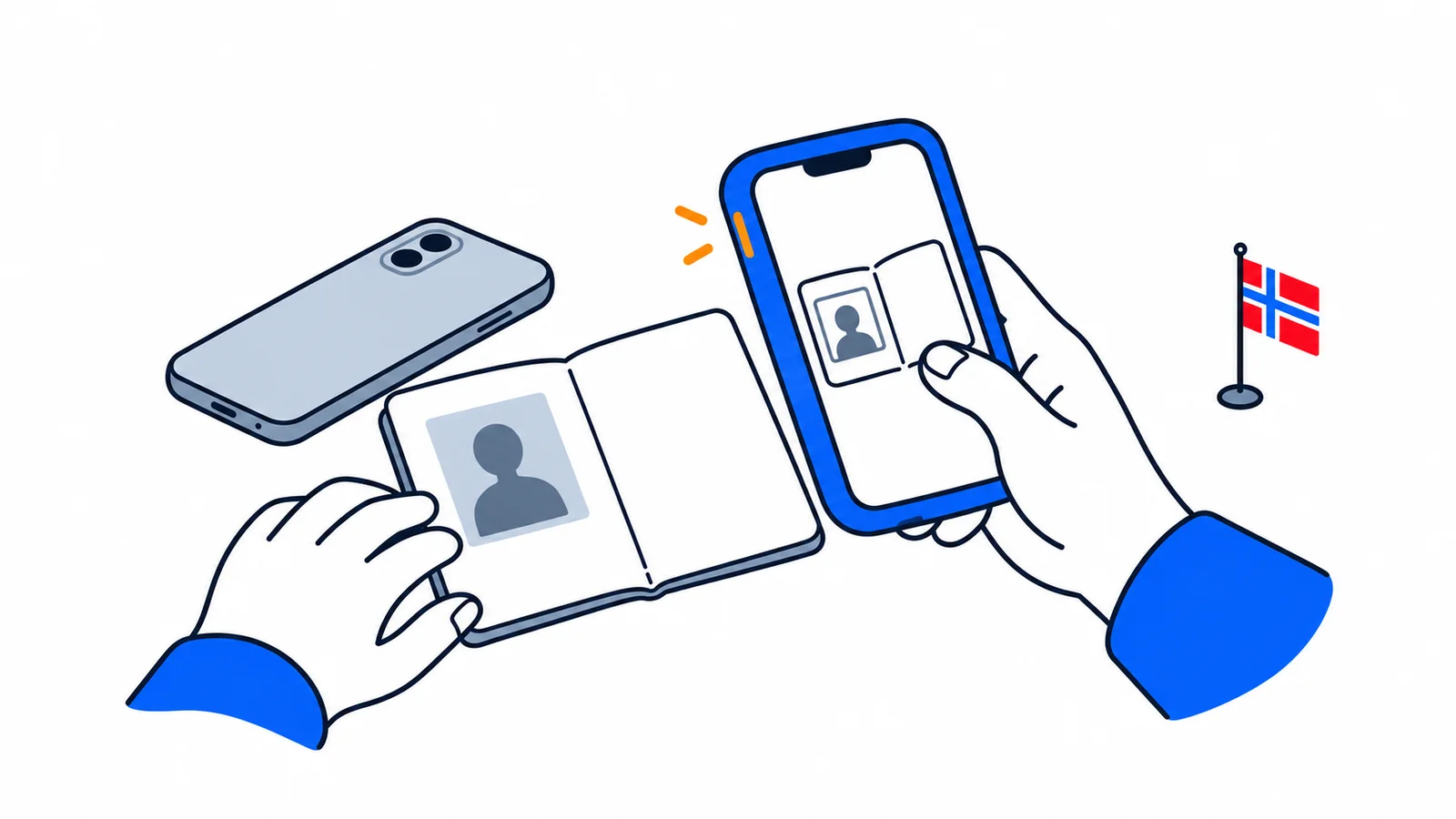
To use Altinn, you need an electronic ID (eID). If you don't have one yet, you can first read our guide to BankID, ID-porten and MinID. Electronic ID is the key to almost all public services online.
How to log in to Altinn
You log in to Altinn with electronic ID through ID-porten. ID-porten is the state's common login solution, and it is the same login you use on nav.no, helsenorge.no and the Tax Administration. When you are logged in, you can handle matters on your own behalf – and on behalf of a business where you have rights.
In ID-porten you choose between several electronic IDs:
- MinID – a simple alternative. You do not need a valid passport to get MinID, so many start here.
- BankID – from your bank, also as BankID on mobile. Gives access to all public services.
- Buypass – electronic ID at the highest security level.
- Commfides – electronic ID at the highest security level.
MinID gives access to many services. BankID, Buypass and Commfides are at the highest security level and give access to everything. You submit your tax return digitally after logging in, for example – read more in our guide to tax returns in Norway.
Your inbox: messages from the public sector
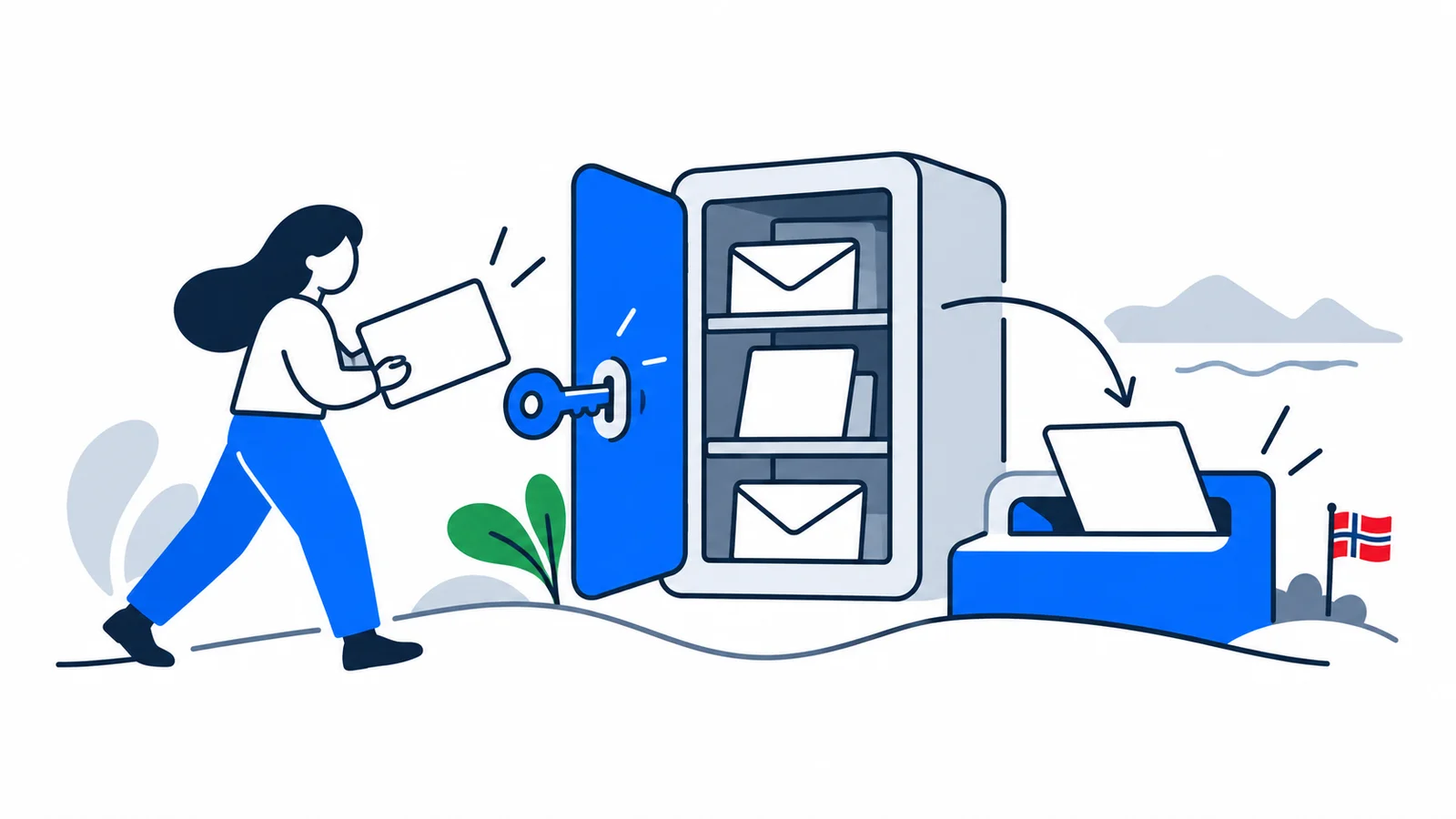
In Altinn you have an inbox (message box) with messages from public agencies. Here a decision, a letter or a reminder from the state may appear. You open and read the messages when you are logged in.
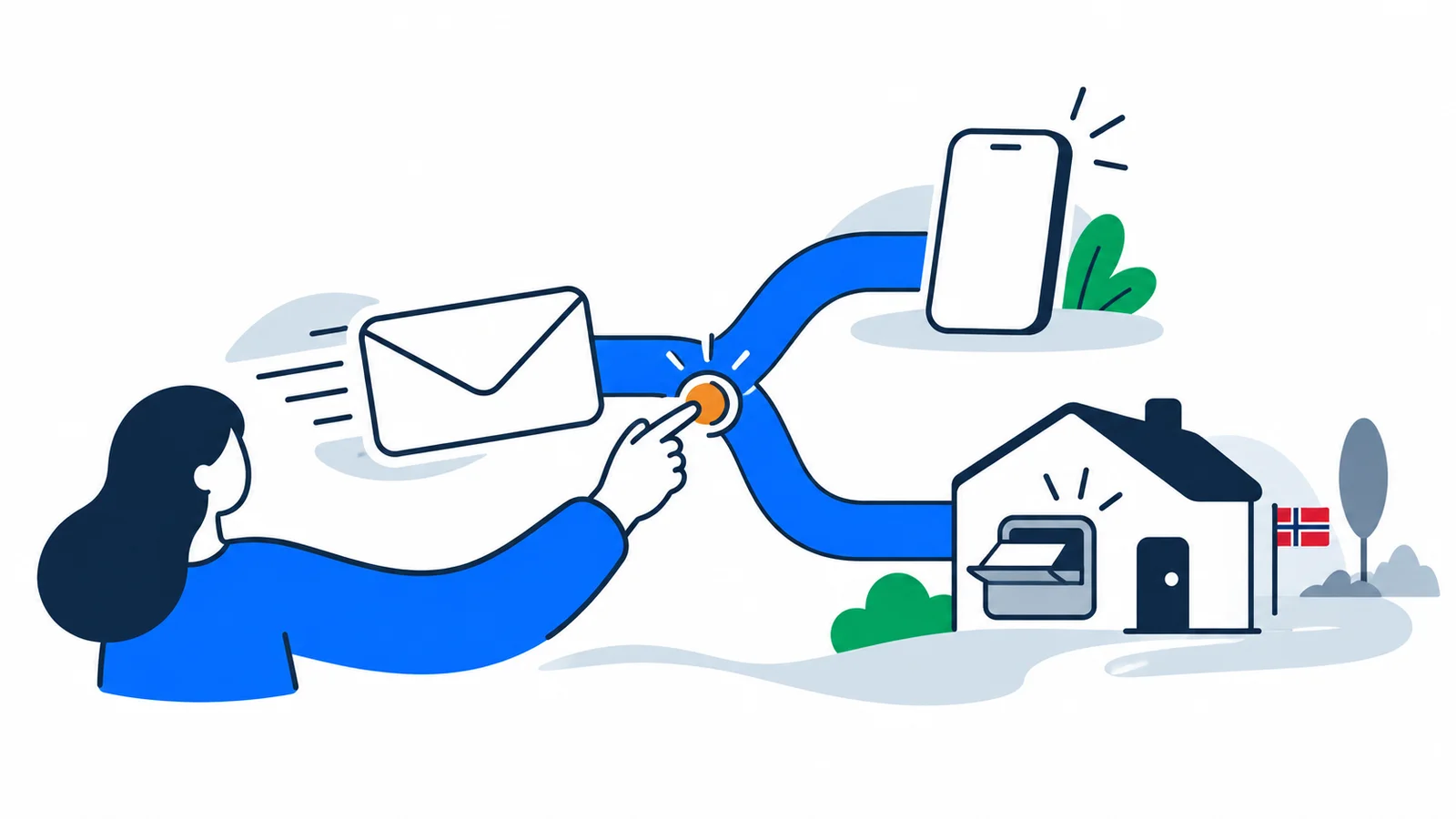
You should add a notification address in your profile. This is an email address and/or a mobile number. Then you will receive a notification when a new message arrives, and you won't have to log in just to check. Businesses in the Business Register are actually required to have at least one notification address.
As a private individual, you use Altinn less often than a business, but it is good to check your inbox regularly. An important deadline or a decision may be waiting for you there.
As of July 2026, Altinn has been modernized. The old solution (Altinn 2) was closed on 19 June 2026. The Tax Administration has also created a new inbox on skatteetaten.no, where private individuals receive tax returns. The same messages are still in Altinn.
What do businesses use Altinn for?
If you run a business, Altinn is your work tool towards the public sector. Here you submit your mandatory forms. If you are going to start for yourself, you can read how to register a sole proprietorship (ENK).
The most common submissions are:
| Form | Sent to | How often / deadline |
|---|---|---|
| VAT return (value added tax) | Tax Administration | usually every other month |
| Wage report (wages and tax deduction) | Tax Administration | every month |
| Annual accounts | Brønnøysund Register Centre | by 31 July |
The VAT return shows the value added tax the business has charged and paid. The wage report you send every month when you pay out wages – even if you are alone in the business. The annual accounts apply to, among other things, limited companies. If you submit the annual accounts late, a late payment fee starts from 1 August. The fee can be up to 69 940 kroner (as of 2026; one legal fee of 1 345 kroner per week in the first weeks).
How to give others access in Altinn
You can let another person handle things in Altinn for you. This happens through roles and permissions (from 2026 called access management and access packages). You decide for yourself who gets access, and to which services.
This is useful if you use an accountant. Then your business can give the accountant the right to submit VAT return and wage report for you. You can grant and remove access whenever you want, and you can see who has access in your profile. On SamfunnPrep we explain several such practical arrangements for newcomers.
Are Altinn, digital mailbox and the population register the same?
No. These are three different things, even though they are all part of digital Norway:
- Altinn is the portal for forms and messages, especially related to work, tax and business.
- Digital mailbox (Digipost or e-Boks) is your secure mailbox as a private individual. The public sector sends letters and decisions addressed to you here. You choose one of the two providers yourself. Read more about digital mailbox with Digipost and eBoks.
- The population register is not a mailbox, but a register of who you are and where you live. You update it, among other things, with a change of address notification in the population register.
If you have not chosen a digital mailbox, letters to you may end up in Altinn instead. If you don't open the letter within two days, it will be sent to you on paper in the post. That's why it pays to choose a digital mailbox and add notifications.
Get started safely
Altinn, ID-porten and digital mailbox are among the first things you should arrange as new in Norway. Then you know where to log in when a letter, a decision or a deadline comes from the public sector. A simple overview can be found in our checklist for the first week.
Many of these rules about public Norway are also curriculum for the citizenship test. You can practice for free on SamfunnPrep and become more confident about how the state works.