
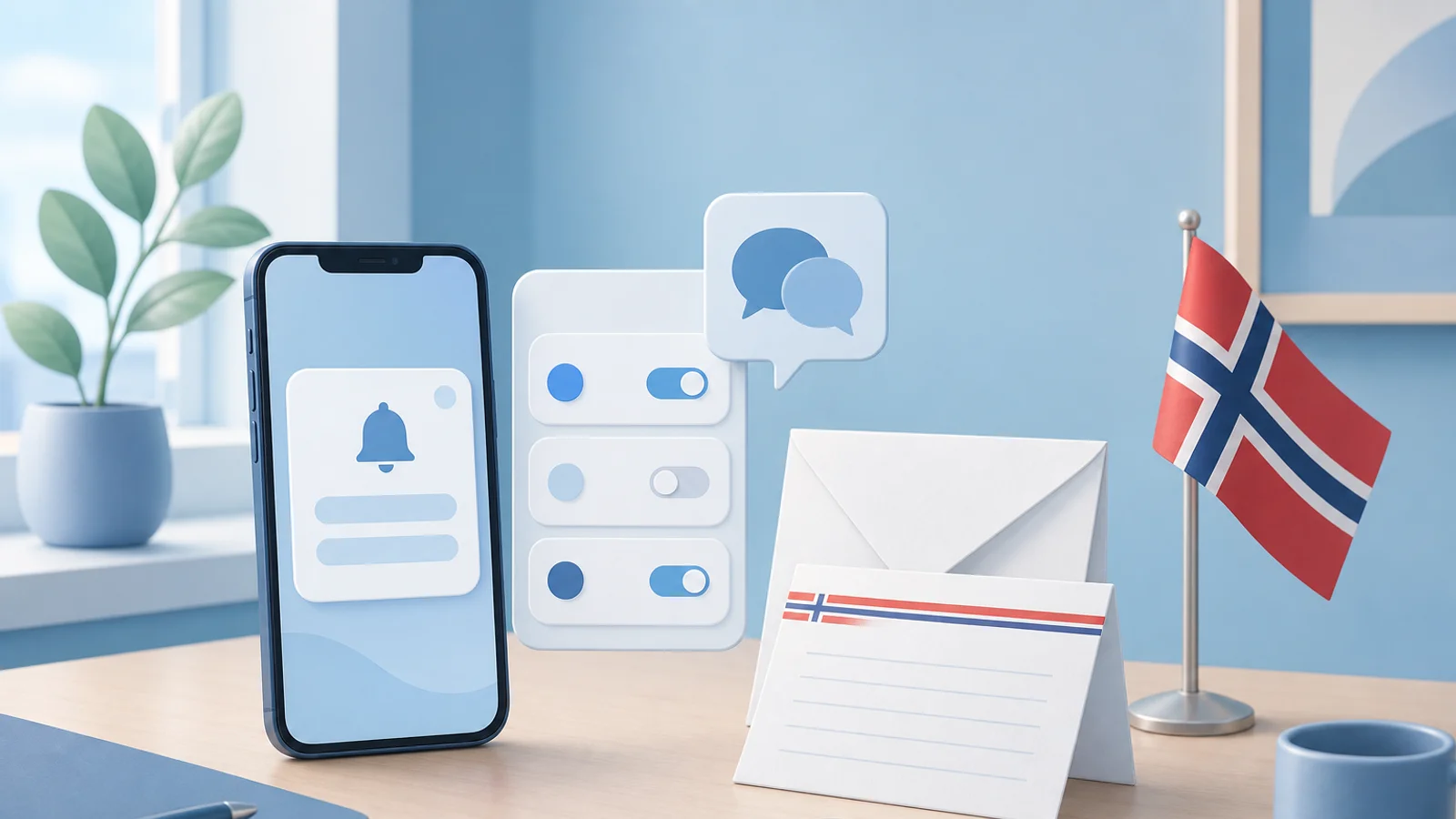

The Contact Register is where central and local government find your mobile number and email address to notify you. When the information is correct, it is easier to find important letters in time. You can also choose a language and decide whether you normally want mail digitally or on paper.
What is the Contact Register?
The Contact Register is a national register for digital contact with public authorities. It is not the same as the National Population Register, BankID or a digital mailbox. The register helps public bodies notify you when they have a letter or a task for you.
The register may contain your mobile number, email address, language choice, information about a digital mailbox and whether you have opted out of digital communication. Central and local government can use the number and email address to send a notification by SMS or email. The letter itself may be in a service that you need to log in to, for example Altinn or a digital mailbox.
It is therefore wise to understand the difference between a notification and a letter. An SMS may only say that you have received a message. You still need to open the letter, read the deadline and respond if necessary. Also read SamfunnPrep's guide to Digipost, eBoks and Altinn if you are unsure where the mail may arrive.
How to check and update your contact information
You should check the Contact Register when you get a new telephone number, a new email address or a new digital mailbox. Incorrect contact information can mean that you do not see a notification about a deadline, a decision or an appointment.
You will usually be asked to register contact information when you log in to a public service for the first time. Later, you can log in and check the information yourself. Only you can register and change your own contact information. Do not ask a friend to log in as you, and never share passwords, one-time codes or BankID information.
Go through this short list when something changes:
- Check that the mobile number is your current Norwegian or foreign number.
- Check that the email address is an inbox you actually read.
- See which digital mailbox is selected, if you have selected one.
- Check whether you have opted out of digital mail without meaning to.
- Check which language is registered for digital communication.
If you have just moved, you must also report the correct address to the National Population Register. The Contact Register does not replace a change-of-address notification. SamfunnPrep has a separate article about moving and the National Population Register, but it is still your responsibility to keep both types of information updated.
Which language can you choose?
You can choose Bokmål, Nynorsk, English or Northern Sámi as the language for digital communication from public authorities. This is useful if you understand English better than Norwegian at first.
The language choice does not mean that all letters are automatically translated into your mother tongue. The agency that sends the letter is responsible for communication, and some documents or services may still be in Norwegian. If a letter is difficult to understand, you can ask the agency to explain its content. When contacting public services, you may in many situations have the right to an interpreter; see the guide on the right to an interpreter.
Good advice is to save the letter and ask for help before a deadline expires. Do not wait because the text seems difficult. Public deadlines may concern applications, documentation, tax, health or residence.
Would you rather receive letters on paper?
You can opt out of digital communication from central and local government in the Contact Register. You will then mainly receive decisions and other important letters on paper. This may suit you if you do not use the internet, do not have stable access to a mobile phone or need more time to read mail together with someone you trust.
Opting out does not mean that all contact stops, however. Authorities may still send important service messages digitally, for example a notice that drinking water must be boiled. You should therefore not ignore SMS and email simply because you have chosen paper mail.
You normally do not need to opt out simply because you want paper mail. If you have never registered a mobile number or email address in a public service, public bodies cannot use this information to notify you digitally. But choose consciously: paper mail can take longer, and you must make sure that your name is on the mailbox.
Do not delete information without understanding the consequences
You can ask to have your contact information deleted from the Contact Register. Important letters from central and local government will then be sent on paper. But you will also no longer receive ordinary SMS or email notifications from the public sector.
There is also an important digital consequence: when the contact information has been deleted, you cannot use MinID to log in to public services. You can still use other electronic IDs such as BankID, Buypass or Commfides when the service accepts them. See the difference in SamfunnPrep's explanation of BankID, ID-porten and MinID.
This is a concrete pitfall for new residents. You may want paper because Norwegian is new to you, but at the same time need MinID for a simple public service. Before you delete anything, consider whether it is better to update the number, choose English or ask for practical help.
A safe routine for public letters
A simple routine makes digital contact less stressful. Check the Contact Register after moving, changing SIM cards or getting a new email address. Open the notification quickly, find out which agency sent the letter and note the deadline. Save important letters in a safe place, but not in a shared chat or on someone else's phone.
When you open a letter, start with the sender and the date. Then look for what you must do, which documents may be missing, and the last day to respond. Write the deadline in your calendar with a reminder a few days beforehand. If you are unsure whether an SMS is genuine, do not click the link right away. Instead, go directly to the public service you know and check whether the letter is there. This reduces the risk of fraud and helps you keep control of your case.
On the first-week tool, you can also use a practical checklist for your first tasks in Norway. Here you will find words and rules that you often encounter in public letters, so that you can make choices with a better overview.
The Contact Register is a small setting with great importance. The correct number, email address and language choice can help you notice important deadlines. Paper mail may be right for some people, but choose it after you understand what it means for notifications and logging in.