
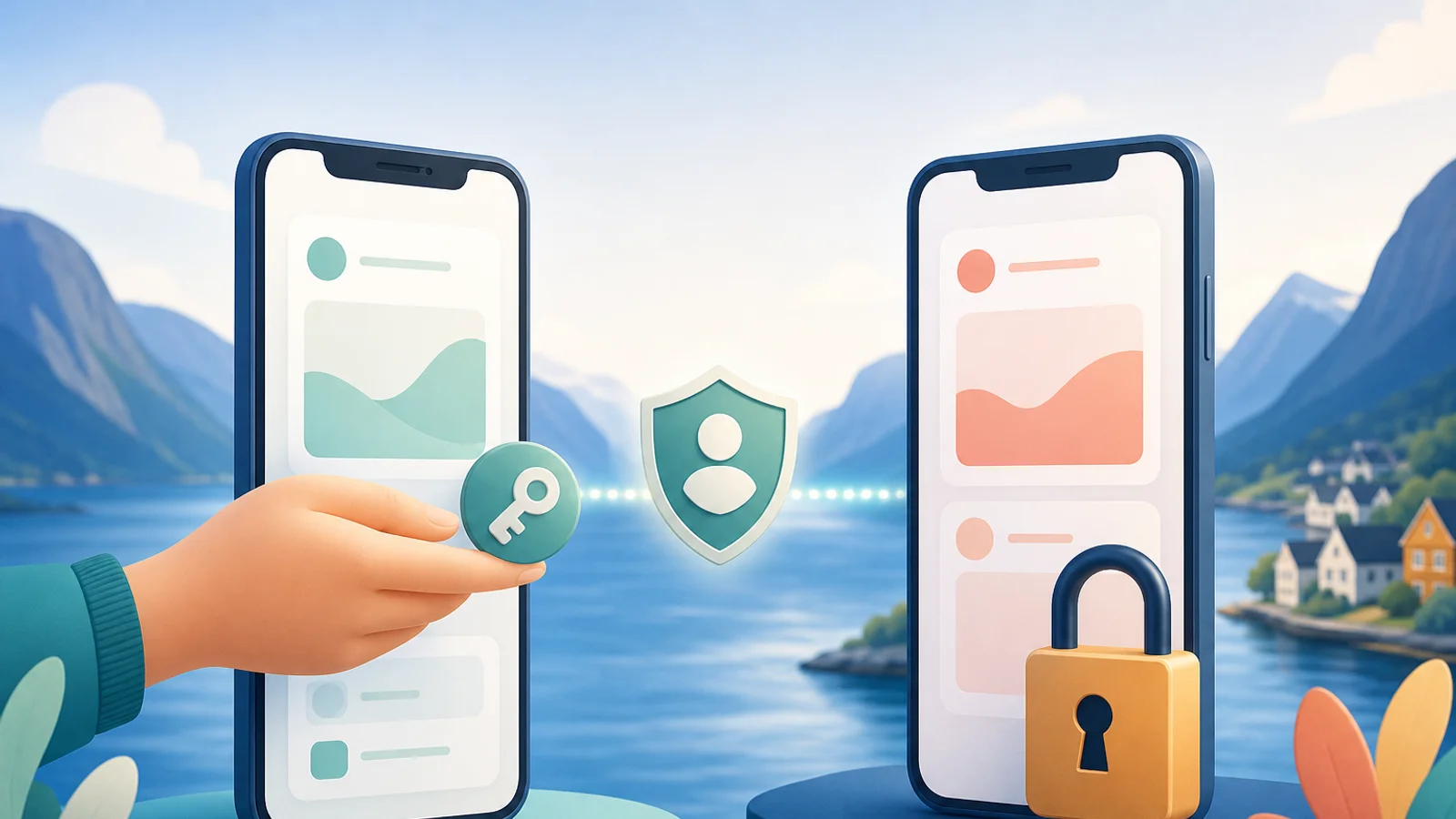

A digital power of attorney lets others help you without using your BankID. Give access only to the service that is needed, choose how long it should last, and stop it when the task is complete. BankID and other e-IDs must never be shared.
Why should you use a power of attorney instead of BankID?
A power of attorney gives lawful and limited access, while BankID gives access to your identity. Therefore, you must never send your BankID password, code or approval to family members or anyone else.
BankID and MinID are electronic IDs, often called e-IDs. They confirm who you are when you log in and sign. Skatteetaten says that an e-ID is personal. It must not be used by a spouse, child, friend, employer or accountant.
If you share BankID, the other person may get more access than you intended. The bank may also consider that you have not followed the security rules. The safe solution is for both people to use their own e-ID, and for the helper to receive a power of attorney.
If the terms BankID, MinID and ID-porten are new to you, start with SamfunnPrep's guide to BankID and electronic ID in Norway.
Which digital power of attorney do you need?
There is no single power of attorney that works with all public services. You must choose the solution based on the task you need to do.
| Task | Correct solution | Important limitation |
|---|---|---|
| Read or send something in Altinn | Access package or individual service in Altinn | Give only the reading, writing or signing access that is needed |
| Book a doctor's appointment or view health information | Power of attorney on Helsenorge | Choose the service area and duration |
| Change your regular GP, check exemption card or contact Helfo | Separate Helfo form | An ordinary Helsenorge power of attorney does not apply |
| Collect prescription items | Separate pharmacy power of attorney | This is not the same as Helsenorge access |
| Receive public letters on paper | Opting out of digital communication | This does not give another person the right to reply |
A power of attorney also does not mean that the helper owns your case. You still decide. The helper can only do what the power of attorney actually covers.
How to give access in Altinn
In Altinn, you can give a person access to a package or to one specific service. Narrow access is safest when the help concerns one application, message or task.
As of 25 July 2026, you can find this under Access management in Altinn. Do the following as a private individual:
- Log in with your own e-ID and select yourself as the actor.
- Open Access management and select Users.
- Find the helper. If the person is missing, you can enter their national identity number or D number and surname.
- Select Access packages or Individual services.
- Select only the actions the person needs, such as reading, writing or signing.
- Check the choices and grant the power of attorney.
The helper can also request access from their own Altinn account. You must then log in yourself and approve the request. Do not approve a package you do not understand.
Afterwards, you can see active access permissions in Access management. Remove them when the work is finished. SamfunnPrep explains the inbox, actor selection and roles in the separate Altinn guide.
How to grant a power of attorney on Helsenorge
Helsenorge lets you choose what the helper can see and do. You can also choose an end date or let the power of attorney last until you stop it.
Log in and go to Profile and settings, then Powers of attorney. Enter the person's surname and national identity number. Then choose one or more areas:
- registered health information, such as prescriptions, vaccines and test results
- patient record, including access to the record
- digital health services, such as appointments, messages and prescription renewals
As of 25 July 2026, the person giving the power of attorney must be over 16 years old. The person receiving it must be over 18 years old. You cannot give access to a service that you do not have access to yourself.
Health information is private. Therefore, do not give access to medical records if the person only needs to book an appointment. See who has access, and delete the power of attorney when the need ends. You can also use a paper form to grant or withdraw a Helsenorge power of attorney.
You can find more about logging in and services in the guide to the Helsenorge app.
A Helsenorge power of attorney does not cover everything
You need a separate Helfo power of attorney for several practical health tasks. The ordinary power of attorney on Helsenorge cannot be used to contact Helfo on behalf of someone else.
A separate Helfo form is required, among other things, when you need to:
- find or change a regular GP for another person
- check exemption cards and user fees
- apply for a European Health Insurance Card
- ask about reimbursement of health expenses
- send an application to Helfo for another person
The form must be signed. It can be sent as an attachment through Altinn. If Altinn cannot be used, the power of attorney and a copy of identification can be sent by post. Helsenorge states that registration can take two days digitally and up to one week by ordinary post.
Collecting medicines is also a separate task. As of 25 July 2026, the digital pharmacy power of attorney on Helsenorge is still a pilot scheme at Apotek 1 and Farmasiet. An ordinary paper form from Apotekforeningen may be necessary at other pharmacies.
What if the person does not have BankID or MinID?
Not having an e-ID does not mean that the person must lend out BankID. Several services have paper forms, telephone assistance or in-person appointments.
Helsenorge has paper forms for powers of attorney. Helfo accepts a power of attorney and a copy of identification by post. A person can also opt out of digital communication in the Contact and Reservation Register. Then many letters from the state and municipality arrive on paper.
If the person wants an e-ID, they need a Norwegian national identity number or D number. MinID is ordered with an activation letter. BankID is ordered through the bank. Use the person's own telephone number and email address.
You can sit beside the person and explain the words on the screen. However, the person should still enter and approve using their own e-ID. Do not photograph passwords or codes.
How to use a power of attorney safely
Give as little access as possible for the shortest possible time. This protects both the person receiving help and the person helping.
Use this checklist:
- agree clearly on which task the helper will do
- choose an individual service rather than a large package when possible
- choose an end date when the need is temporary
- read what access to health information actually includes
- check active powers of attorney after the task has been resolved
- delete access for former helpers, employees or accountants
- contact the bank immediately if BankID codes have already been shared
A power of attorney should make help easier, not give another person control over your entire digital life. Take one service at a time and use official forms.
If you are new to Norway, the checklist for the first week can help you arrange e-ID, digital mail and other important tasks. SamfunnPrep gathers such practical explanations in plain language.