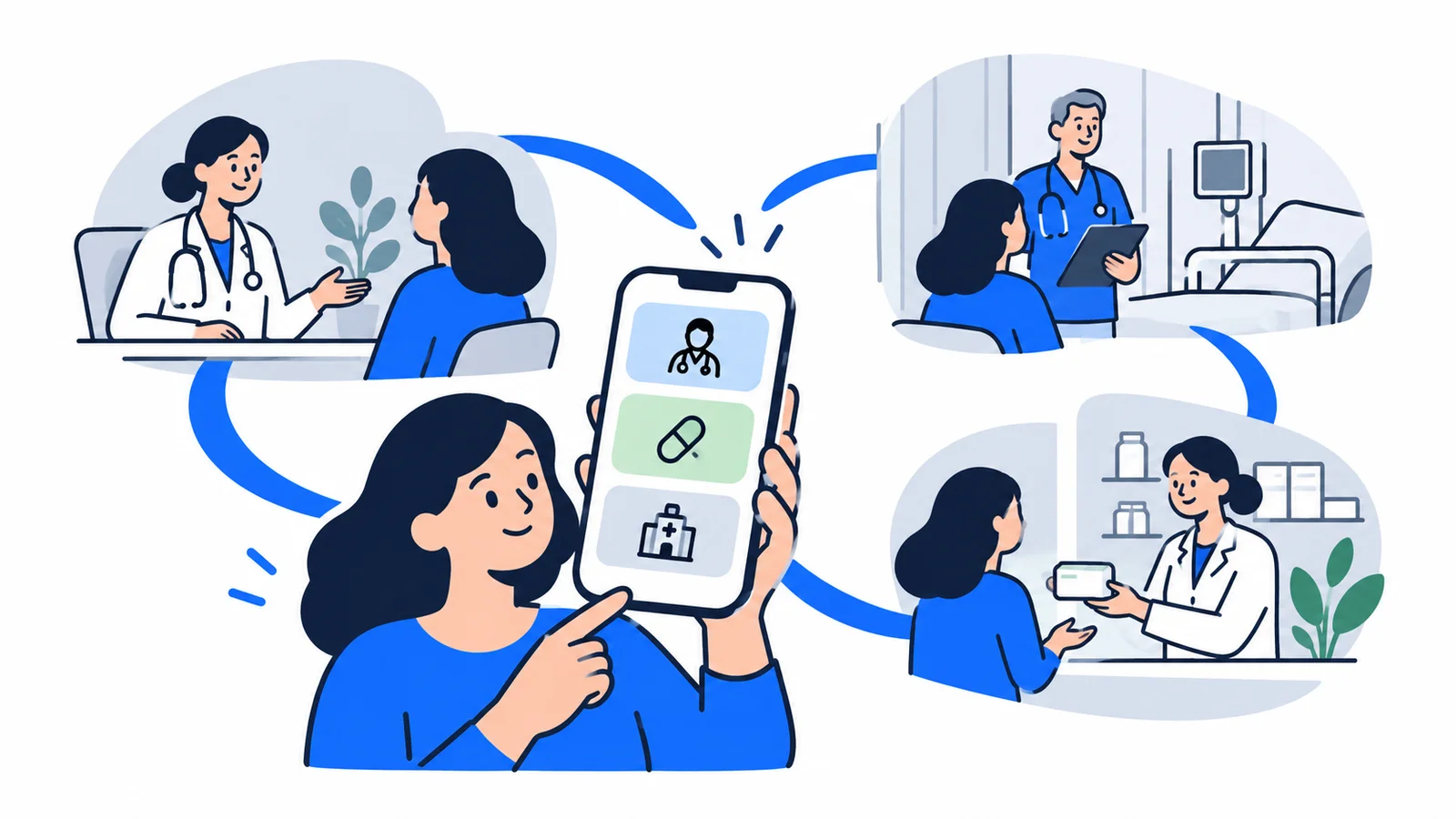

The Helsenorge app (helsenorge.no) is your digital gateway to the Norwegian health system. With the app, you can renew prescriptions, read hospital records, book appointments with your GP and send messages to your doctor — without calling or visiting in person. Here is a complete guide for you who are new to Norway.
What can you do in the Helsenorge app?
Helsenorge gives you access to these services:
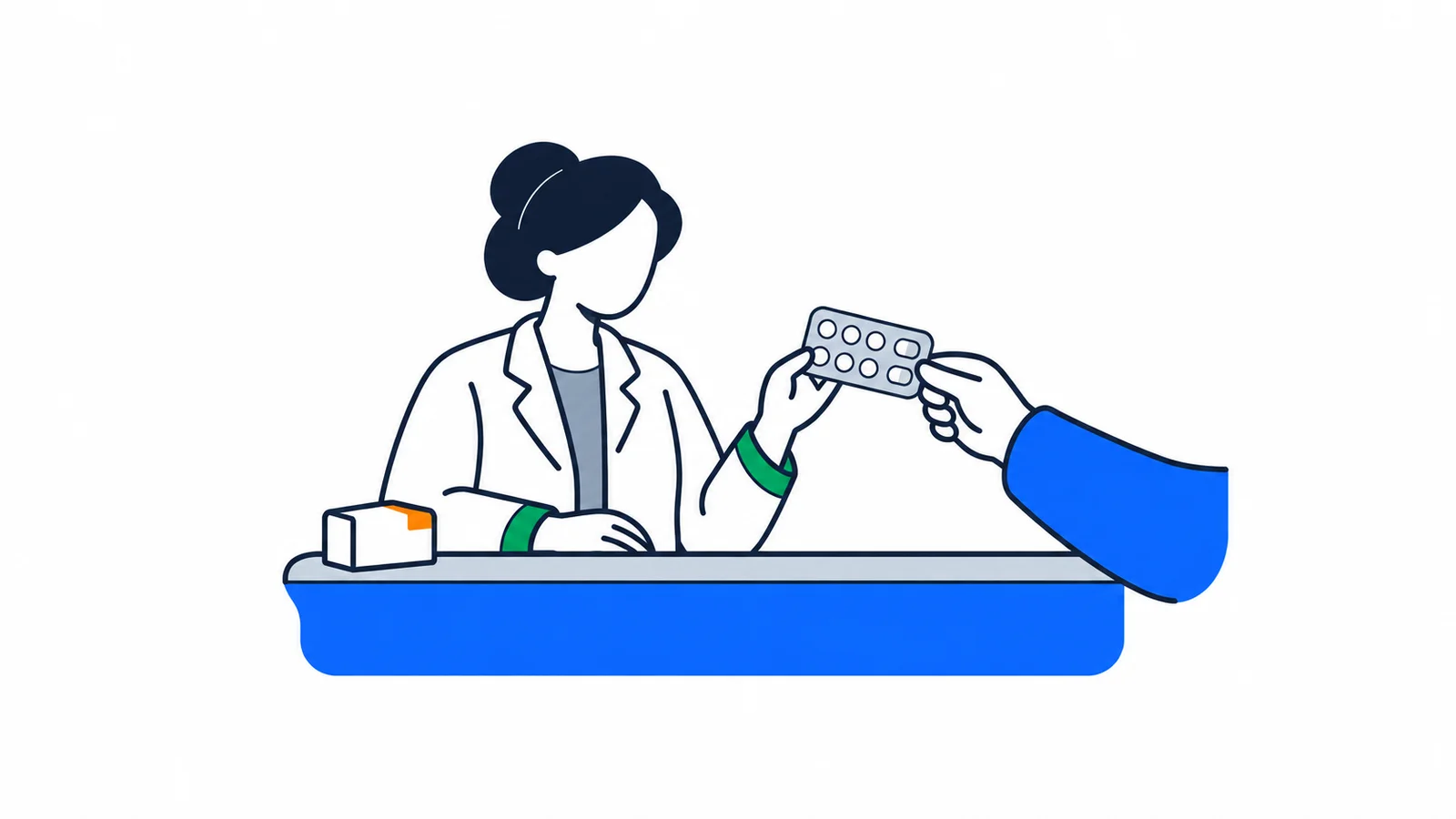
- Prescriptions: View all active prescriptions with active ingredient, dosage and expiration date. Renew prescriptions digitally — the doctor evaluates and usually responds within 1-3 days. Pick up medicine at all Norwegian pharmacies.
- Medical records: Read discharge summaries (summaries) from hospital stays, see test results and laboratory results from the hospital, find consultations sent by your GP.
- Appointment booking: Book, change and cancel appointments with your GP in municipalities that support digital booking.
- Messages: Send secure encrypted messages directly to your GP.
- Vaccination history: View all vaccines you have registered in Norway.
- Core record: Important medical information (medicines, allergies, blood type) that healthcare personnel can see in an emergency.
- Change GP: Find available GPs in your area and change (up to 2 times per calendar year).
- Maternity health card: Digital version.
Prescriptions: view, renew and collect
The prescription module is one of the most used functions. Here's how it works:
- Log in to helsenorge.no or download the app on your phone
- Go to 'My prescriptions' — you see a list of all active prescriptions
- Click 'Renew prescription' and add a message to the doctor (e.g. that you need more blood pressure medicine)
- The doctor receives the request and approves or rejects — you get notified
- Pick up medicine at all Norwegian pharmacies — you don't need to go to the pharmacy closest to the doctor's office
Important: Doctors usually respond within 1-5 days to renewal requests. If you need medicine quickly, call the doctor's office.
Medical records: your hospital information
In Helsenorge you can see:
- Discharge summaries from hospital stays (summary written by the doctor after discharge)
- Test results from blood tests and laboratory examinations done at the hospital
- Consultations sent from your GP to specialist
- Medical imaging (x-ray, MRI, CT) — available at some hospitals
What you CANNOT find in the app (yet): The GP medical record is as of 2026 not available digitally in Helsenorge. You also cannot see records from private clinics or psychologists outside the hospital system. To view your GP's medical record, contact your GP directly and request access under the Patient Rights Act § 5-1 — this is your legal right.
Appointment booking and communication with your GP
Whether you can book an appointment digitally depends on whether the doctor's office uses a system that is connected to Helsenorge:
- Digital booking system: Book and cancel appointment directly in the app
- Without digital booking: Call the doctor's office at the phone number you find in the app under 'My GP'
You can send secure digital messages to your GP if the doctor's office is connected to the service. Not all are. Check in the app if the messaging function is active for your doctor.
Change GP: In the app, click 'My GP' → 'Change GP' → choose from the list of available GPs. You can change up to 2 times per calendar year. The new relationship begins on the 1st of the next month.
Logging in with BankID and MinID
To use Helsenorge, you need an electronic ID (eID). You have two main options:
BankID (recommended):
- Created through your internet bank
- Requires Norwegian personal number and bank account in Norway
- Gives access to all services on helsenorge.no
MinID:
- Created free on minid.no
- Requires Norwegian personal number or D-number (assigned by the Norwegian Tax Administration)
- Gives access to most services (some high-security features require BankID)
- Suitable for you who don't yet have a Norwegian bank account
How to create MinID as an immigrant:
- Go to minid.no
- Click 'Order MinID' and enter your Norwegian personal number or D-number
- You receive an activation code by mail to your registered address (takes 3-5 days)
- Activate MinID on the website with the code from the letter
- You can now log in to helsenorge.no
D-number: If you don't have a Norwegian personal number but work or live legally in Norway, you likely have a D-number from the Norwegian Tax Administration. Check your tax card or contact the Norwegian Tax Administration (skatteetaten.no).
Without eID: The Helsenorge app is not mandatory. You can always contact health services by phone or in person. Your GP is available by phone during opening hours.
Core record: what is it and why is it important?
The core record is a digital overview of your most important medical information:
- Regular medicines you take
- Known allergies (e.g. to penicillin)
- Blood type
- Regular diagnoses
- Critical information (e.g. if you have a pacemaker)
Doctors, nurses and ambulance personnel can see your core record in an emergency — even if you are unconscious. You can yourself update and control who has access.
Important for immigrants: If you have medicines or allergies from your home country, you should register these in the core record. It could save your life in a crisis.
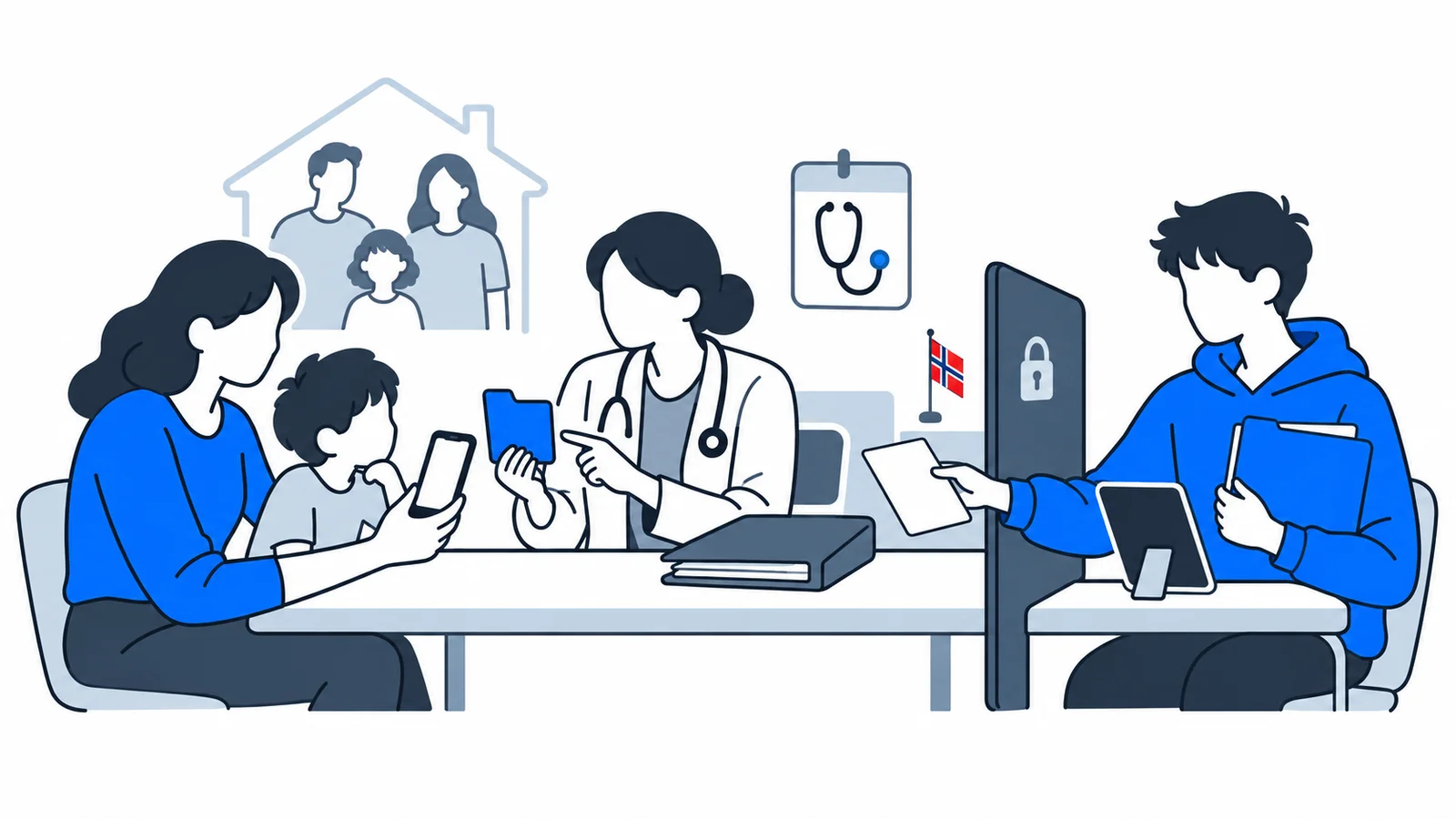
Helsenorge for families: children and representation
- Children under 12 years: Parents with parental responsibility can see the child's medical records in the app
- Children 12-16 years: Child and parents have limited mutual access
- Children over 16 years: Full access themselves, parents have no access without the child's consent
- Power of attorney: You can give another person (e.g. spouse) power of attorney to represent you in the app
Common problems and solutions
| Problem | Solution |
|---|---|
| Cannot log in with MinID | Check that the letter with activation code has arrived. Call MinID support: 800 33 460 |
| Cannot find my GP | Search for the doctor's office name under 'Find GP'. Or call 115 to check who your GP is |
| Cannot see hospital record | Some hospitals take time. Contact the hospital directly for a copy of the record |
| The app is in Norwegian | The app is only in Norwegian as of 2026. Use Google Translate to understand the content |
| Prescription is not renewed | The doctor has decided that you need a new consultation. Call the doctor's office |
See also specialist health services and how to get an appointment with a specialist for more on navigating the Norwegian health system.
Crisis situations: what do you do if the app is down?
The Helsenorge app is a practical tool, but it is a supplement to, not a replacement for, direct communication with health services.
If the app doesn't work: Call your doctor's office directly. They have all your information — records, prescriptions, appointments — in their own system independent of Helsenorge. It may take a bit longer, but it is equally valid.
For emergency help: Call 113 emergency if you need medical help now. Don't wait for the app.
For emergency clinic and weekend clinic: Call 116 117 (emergency clinic/acute medical center). This number always works, app or not.
Technical problems: If the app crashes, try closing it completely and starting again. Update the app to the latest version via App Store or Google Play. If the problem persists, you can contact the support team for the Health Platform — the number is found on helsenorge.no.
Remember: Helsenorge is a digital tool for daily tasks (prescriptions, medical records, appointment booking). For everything else, or if technology fails, phone contact and in-person visit is the safe alternative. You always have the right to contact the health system directly — the app just makes it easier.