
Paying bills in Norway is easy once you know the three methods: eFaktura, AvtaleGiro, and manual payment. Everything usually happens in your online bank, and every bill has a KID number that links the payment to the correct invoice. Here you get a safe overview from your first week.
How you pay bills in Norway
When you need to pay bills in Norway, you usually do it in online banking — the bank's website or mobile app where you manage your account. Most bills arrive digitally, and you rarely need to go to the bank.
You have three main ways to pay: eFaktura, AvtaleGiro, and manual payment. All three use a KID number to link the money to the correct bill. If you want a broader introduction, read about personal finance in Norway.
To use online banking you need a Norwegian bank account and BankID to log in safely. If you don't have an account yet, see how to open a bank account in Norway. Then you are ready to pay bills in Norway on your own.
What bills do you get in Norway?
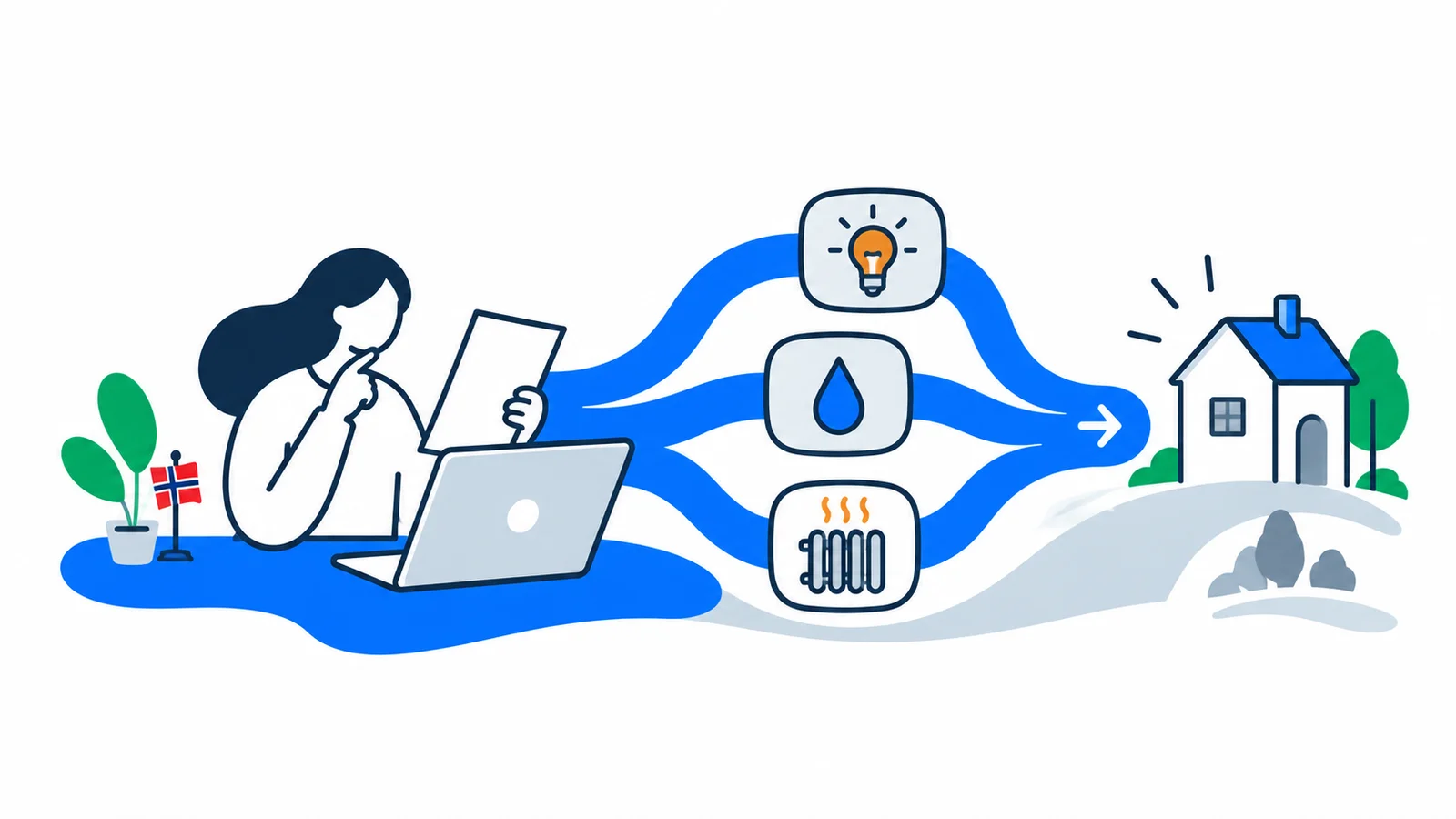
As someone new to Norway, you face some fixed expenses each month. The most common are rent, electricity (power), internet and mobile, and often insurance. If you have children in preschool or after-school care, those bills also come monthly.
Some bills have fixed amounts, like rent. Others vary, like electricity, where you pay for how much you use. It's smart to set fixed bills to AvtaleGiro and variable ones to eFaktura, so you stay on top of things.
What is a KID number?
A KID number (customer identification) is a string of numbers on the bill that tells the recipient which invoice you are paying. Without the correct KID, the payment can be delayed or end up in the wrong place.
You find the KID number at the bottom of the bill, next to the account number and amount. When you pay, you enter the KID exactly as it appears. Your online bank will tell you if the number doesn't match, so you don't pay wrong.
If the bill has a KID number, you don't need to write any message to the recipient. The KID does everything itself: it shows who you are and which bill the money goes to.
eFaktura, AvtaleGiro or manual payment?
eFaktura means the bill arrives already filled out in your online bank. You only need to check the amount and approve it before the due date — the date by which the bill must be paid. AvtaleGiro means the bank automatically withdraws the amount on the due date, without you doing anything.
An eFaktura usually appears in your online bank a few days before it's due, often about a week in advance. Then you get a notification and can approve it when it suits you. With AvtaleGiro you can set a limit, so unusually large amounts must be manually approved before they are withdrawn.
To start using eFaktura you say 'yes thank you to eFaktura' in your online bank or at the place you are paying, for example the power company. Many banks have an option called 'Yes thank you to all', so new eFakturas come automatically from all companies you pay. Always check that the amount is correct before you approve.
Many also use Vipps for bills. Vipps eFaktura and Vipps invoice let you pay directly in the Vipps app on your phone, the same way as in online banking.
Here's how you choose the right method:
- eFaktura — you want control and to approve yourself. Good for bills where the amount varies, like electricity and phone.
- AvtaleGiro — you want to avoid remembering due dates. Good for fixed bills like rent and insurance.
- Manual payment — you get a paper bill or an invoice without an eFaktura agreement, and you enter it yourself.
| Method | Who pays | Approval | Good for |
|---|---|---|---|
| eFaktura | You, in online bank or Vipps | You approve each time | Bills that vary |
| AvtaleGiro | The bank, automatically | None, or amount limit | Fixed bills |
| Manual payment | You enter yourself | You approve each time | Paper bills and one-time bills |
You can certainly combine the methods. Many say yes to both 'eFaktura' and 'AvtaleGiro' at the same time: the bill appears in your online bank, but is automatically withdrawn if you do nothing.
How do you manually pay a paper bill?
If you get a bill on paper, you pay it in your online bank under 'New payment' or 'Pay'. Enter the account number of the recipient, the KID number, the amount, and choose the due date. A Norwegian account number has eleven digits.
If the bill is missing the KID, write the invoice number or your name in the message field instead. You might as well enter the payment right away, with the due date in the future. Then the money is withdrawn on the right day, even if you're busy just then.
What does it cost to forget a bill?
If you pay late, the bill becomes more expensive — but the amounts are fixed and determined by the state. First you can get a reminder fee (notice) or a debt collection notice of kr 38. If a payment order comes, it costs kr 113 (rates effective from January 1, 2026).
If the case goes to debt collection, a collection fee is added. The debt collection rate is kr 750 in 2026, and on top of that runs default interest — 12.00 percent per year in the first half of 2026. Therefore it always pays to pay on time.
If you receive a claim you think is wrong, you can complain — read more about debt collection in Norway. An unpaid bill can also lead to a payment mark with serious consequences for loans, mobile subscriptions, and renting housing.
Get started safely in your first week
Set up AvtaleGiro for fixed bills like rent and electricity, and eFaktura for the rest. Then you rarely forget a due date. Check your online bank at least once a week at first, so you catch new bills.
SamfunnPrep has a first week checklist that gathers the most important steps — bank account, BankID, and bills — in one place. If you need help with logging in, see the guide about BankID, ID-porten and MinID.
Understanding how money, bills, and the public system work is part of the citizenship test — practice free on SamfunnPrep.