
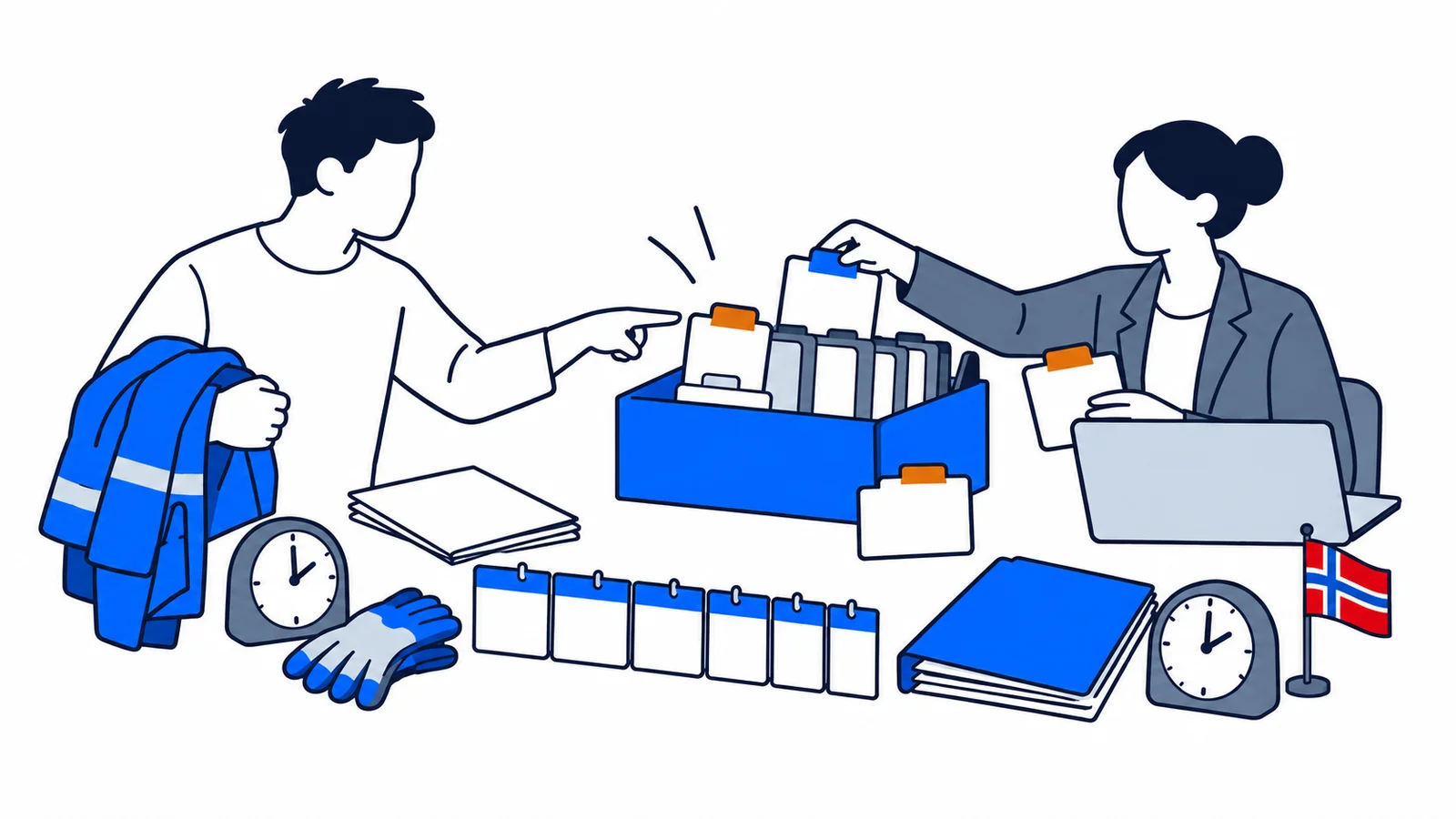

If your employment details in Aa-registeret are wrong, first tell the employer who reported them. Check the start date, end date and position percentage through NAV. Ask for a corrected a-melding and save the evidence. If the employer no longer exists, contact NAV's support service for the register.
What does Aa-registeret show, and why should you check it?
Aa-registeret is NAV's register of employment relationships. Employers submit information through the monthly a-melding. You can log in to NAV's “Se dine arbeidsforhold” service and check what is recorded about you. The register shows, among other things, the workplace, type of employment, start date, any end date and position percentage.
NAV says the service displays employment relationships reported after 1 January 2015 and freelance assignments reported after 1 January 2020. If an older job is missing, this does not automatically mean that the employer never reported it. Use other documents for older periods.
NAV may use these details when assessing unemployment, sickness and parental benefits. Pension providers may also use the register. It is therefore useful to correct errors before you need a decision. SamfunnPrep's overview of workers' rights explains how contracts and pay connect with employment documentation.
Which entries should you compare with your own documents?
Check one employer at a time. Open your employment contract, any agreements changing it, payslips and an employment certificate if you have left. Look for these common discrepancies:
| Register field | Compare with | Example discrepancy |
|---|---|---|
| Start date | First agreed working day | Register says 1 June; contract says 15 May. |
| End date | Notice of termination and final working day | The job still appears active after you left. |
| Position percentage | Agreed position and later changes | Register shows 20 percent; new contract says 60 percent. |
| Employer | Contract and organisation number | Work is listed under the wrong company within a group. |
The registered position percentage is not the same as the hours you actually worked each month. If you are an on-call substitute or take extra shifts, your hours may vary even though your contract has not changed. Check what kind of agreement you have before requesting a correction. For pay amounts and tax withholding, also use Skatteetaten's “Mine inntekter og arbeidsforhold” service, which shows income information from the a-melding.
Who can correct an error in Aa-registeret?
The employer or client who submitted the information is your first point of contact. Ask them to check the relevant month and send a corrected a-melding. You cannot edit the field yourself in NAV's access service. Skatteetaten also says that only the party that reported incorrect income or employment information can correct the original report.
Send a short, specific message. State which company, period and field are wrong. Attach a copy of the contract or other relevant evidence. Avoid sending your full national identity number or passport copy by ordinary email if the employer can find the case without them.
Subject: Correction of employment details in Aa-registeret
Hello. NAV's overview lists my employment with [company] as [wrong detail] for [period]. My employment contract/amendment dated [date] shows [correct detail]. Could you check the a-melding, submit the necessary correction and confirm when it has been done? I attach relevant documentation. Kind regards, [name].
Save the message and reply. Ask which reporting month the correction concerns. Then check NAV's display again. A verbal assurance that “it has been fixed” is less useful than written confirmation and an updated register.
What if the employer does not respond or no longer exists?
If the employer no longer exists, or you need help with the register, NAV refers you to Aa-registeret support. NAV also has a channel for submitting documents when the register administrators request them, including for a correction or deletion claim. Ask first what evidence they need in your case. NAV's service does not say that every error is automatically removed on the strength of one payslip.
If the employer still exists but does not respond, follow up with another dated request and keep a copy. Tell NAV exactly what you have tried when you contact them. In an ongoing NAV case, also tell your caseworker about the discrepancy and send documents showing the actual employment. Do not wait for a perfect register entry if NAV has set a deadline in your case. Meet the deadline and explain that you have requested a correction.
If you receive a decision based on incorrect facts, read its appeal instructions. Appealing the decision itself is a separate process from correcting the register. Ask for access to the documents NAV used if the basis is unclear. The overview of NAV for immigrants explains whom to contact about your benefit.
An example: a part-time job has the wrong percentage
Sara started in a 30 percent position on 1 February. On 1 September she received a written agreement increasing it to 60 percent. Aa-registeret still shows 30 percent. She sends the amended agreement to payroll and asks them to correct the record from September. She also saves payslips showing her work after the change. If she applies for a NAV benefit before the record is corrected, she attaches the agreement and explains the difference.
This does not mean that the benefit is calculated directly from the position percentage alone. NAV must apply the rules for the particular benefit and consider the case information. The example shows which document explains a change in employment and why you should act when the register and contract disagree.
If the problem is instead that the employer reported the wrong wages, go to Skatteetaten's “Mine inntekter og arbeidsforhold”. Ask the employer to correct the a-melding for the correct month. See how to read a payslip before comparing gross income with the net amount in your bank account. Tax withholding normally makes those amounts different.
Checklist before closing the matter
Review these points after you are told the error is corrected:
- Save copies of the contract, amendment, employment certificate and relevant payslips.
- Note the date and field you asked the employer to correct.
- Check NAV's Aa-registeret view again after the employer confirms the correction.
- Check Skatteetaten's income information if the discrepancy also concerns pay or tax.
- Send the correct evidence in an ongoing NAV case by its deadline, even while the register correction is pending.
Sources checked on 2 October 2026: NAV's pages on your own employment relationships and Aa-registeret support, and Skatteetaten's “Mine inntekter og arbeidsforhold” service. SamfunnPrep helps explain employment terms; SamfunnPrep's tools do not change public registers. Follow up on the correction with the employer and NAV.