
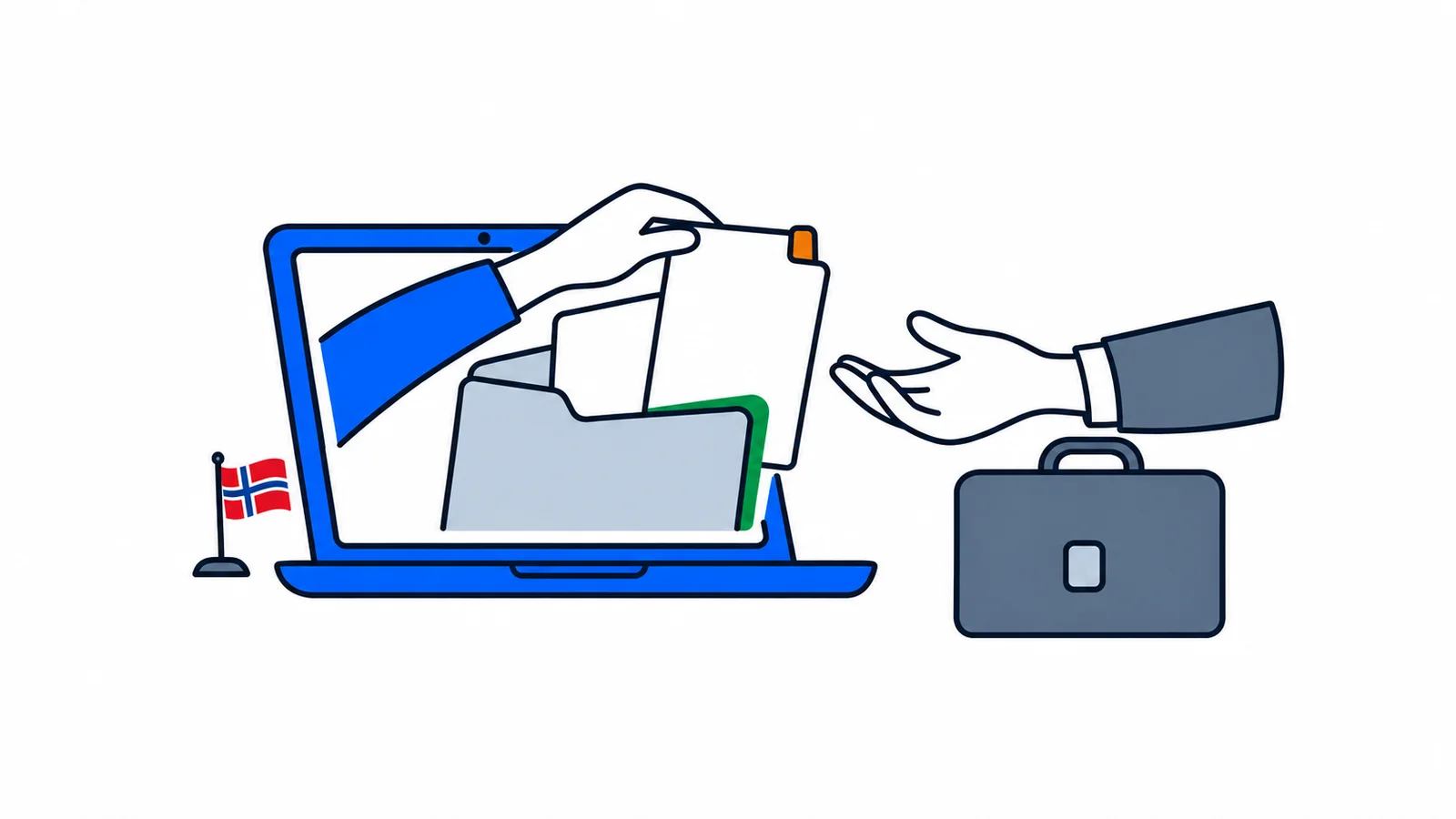

Vitnemålsportalen lets you share diplomas and grades securely with an employer. You choose the results and can send a link or obtain a signed PDF. If a degree is missing, contact your institution. The portal is not an application for recognition of foreign education.
What can the employer see in Vitnemålsportalen?
The employer sees the results you choose to share. The information comes from educational institutions’ systems, so the recipient can check the source.
Vitnemålsportalen is a free service from Sikt, the public service provider for the knowledge sector. It is used, among other things, to share degrees and grades from Norwegian higher education. A degree means a completed qualification, such as a bachelor’s or master’s degree.
Sikt describes the service as an alternative to an employer receiving only an image of your papers. A PDF, a document file, can carry a digital signature. See Sikt’s description of Vitnemålsportalen, checked on 7 October 2026.
A signed document file and a screenshot are not the same. If the employer requests documentation from the portal, ask which delivery format they want.
If you studied abroad, sharing documents and obtaining recognition are two different tasks. SamfunnPrep’s guide to recognition of foreign education explains that application.
How do you share grades with an employer?
Go to Vitnemålsportalen through Sikt’s official page, log in and select the results to share. Check your selection before sending it on.
First clarify what the employer is asking for. Some need proof of a completed degree. Others also ask for courses and grades. Do not guess if the vacancy only says “diploma”.
A practical check before sharing:
- Which degree or courses are requested?
- Are the results final and correctly registered?
- Does the recipient want a link or a document file?
- Is the recipient’s email address correct?
- When does the employer need access?
A course, emne, means a subject or part of a programme. Make sure the employer receives documentation showing the whole qualification they request. Do not select only individual courses if they actually need proof of a completed degree.
You can write in your message:
I am sharing documentation of [degree or education] from Vitnemålsportalen. Please let me know if you also need a full transcript or a signed document file.
Can you share only the degree without all grades?
You can choose which available results to share within the portal’s rules. For a complete degree, the choice may be the degree alone or the degree with all its courses.
Kunnskapsdepartementet, the Ministry of Education and Research, describes this distinction in its notes on rules for sharing results. For degrees after Kvalitetsreformen, you cannot freely remove individual courses included in the degree while sharing it as a complete transcript.
Kvalitetsreformen was a reform of Norwegian higher education. Older results may be registered differently. Ask your institution for help if you are unsure how documentation of your education should be presented.
This is primarily a check of what you send. A degree without courses may be appropriate when the recipient only needs to know you graduated. It may be insufficient when the employer needs particular subjects or grades.
Therefore, choose documentation according to the requirement in the particular job application. Sharing through the portal does not decide whether the employer considers you qualified.
How do you obtain a signed PDF?
You can share a link to your own email address and obtain the signed document file from there. This is the procedure NTNU describes for applicants who need to upload documentation.
NTNU, Norges teknisk-naturvitenskapelige universitet, the Norwegian University of Science and Technology, provides these steps in its guide to PDFs from Vitnemålsportalen:
- Log in and select the results to share.
- Confirm your selection.
- Enter your own email address in the email and link settings.
- Open the link in the email from the portal.
- Select “Signert dokument med valgte resultater”, meaning a signed document with the selected results, and save the file.
The recipient may have a separate upload portal. Save the signed file and send it through the correct channel. Do not edit its contents or turn it into an image before uploading.
Check the name, institution and results in the document. If you completed several programmes, give the file a name that makes its contents easy to identify. Also check that the recipient has registered the upload.
What do you do if the diploma or grades are missing?
Contact the institution that registered your education. A missing display does not, by itself, mean you need to retake an exam.
Distinguish login problems from problems with results. If you cannot log in, follow the login help. If you can log in but a degree is missing, the institution should investigate the registration.
Specify what is missing, the programme and when you completed it. Also say whether the documentation has a particular deadline. Ask the institution to clarify whether the degree is fully registered and which official documentation you can use while the issue is investigated.
Do not create your own replacement by typing grades into a document. Instead, tell the employer specifically that you are waiting for clarification. Ask whether they can accept documentation directly from the institution.
If the problem concerns a Norwegian language test or social studies test, you need a different contact. SamfunnPrep’s guide to a lost test certificate shows how to contact the test centre.
Can you share recognition of foreign education?
An HK-dir decision can, in certain cases, be shared through Vitnemålsportalen. A foreign diploma and a Norwegian recognition decision are different documents.
HK-dir, Direktoratet for høyere utdanning og kompetanse, the Norwegian Directorate for Higher Education and Skills, states as of 7 October 2026 that sharing covers decisions issued from 1 January 2023. You must have applied for recognition using electronic identification, often called e-ID. See HK-dir’s information on verifying decisions.
Earlier decisions from NOKUT, the agency responsible before HK-dir, are not in the portal. HK-dir has a separate route for verifying these decisions and other decisions that cannot be shared. The employer needs consent from the person concerned for such verification.
Do not assume that absence from the portal makes an older decision invalid. Ask HK-dir to explain the correct verification method for your document.
What if the employer’s system already uses the portal?
Some recruitment systems are connected to Vitnemålsportalen. You can then choose results in the portal and share them through the application system’s solution.
Sikt describes this option, but it does not mean every employer uses it. Follow the instructions in your particular application. Check that the selected results have actually been included before submitting.
SamfunnPrep brings together practical tools for everyday life. Before sharing your education, clarify whether the employer needs a degree, a transcript or a recognition decision. You can then send the right documentation the first time.