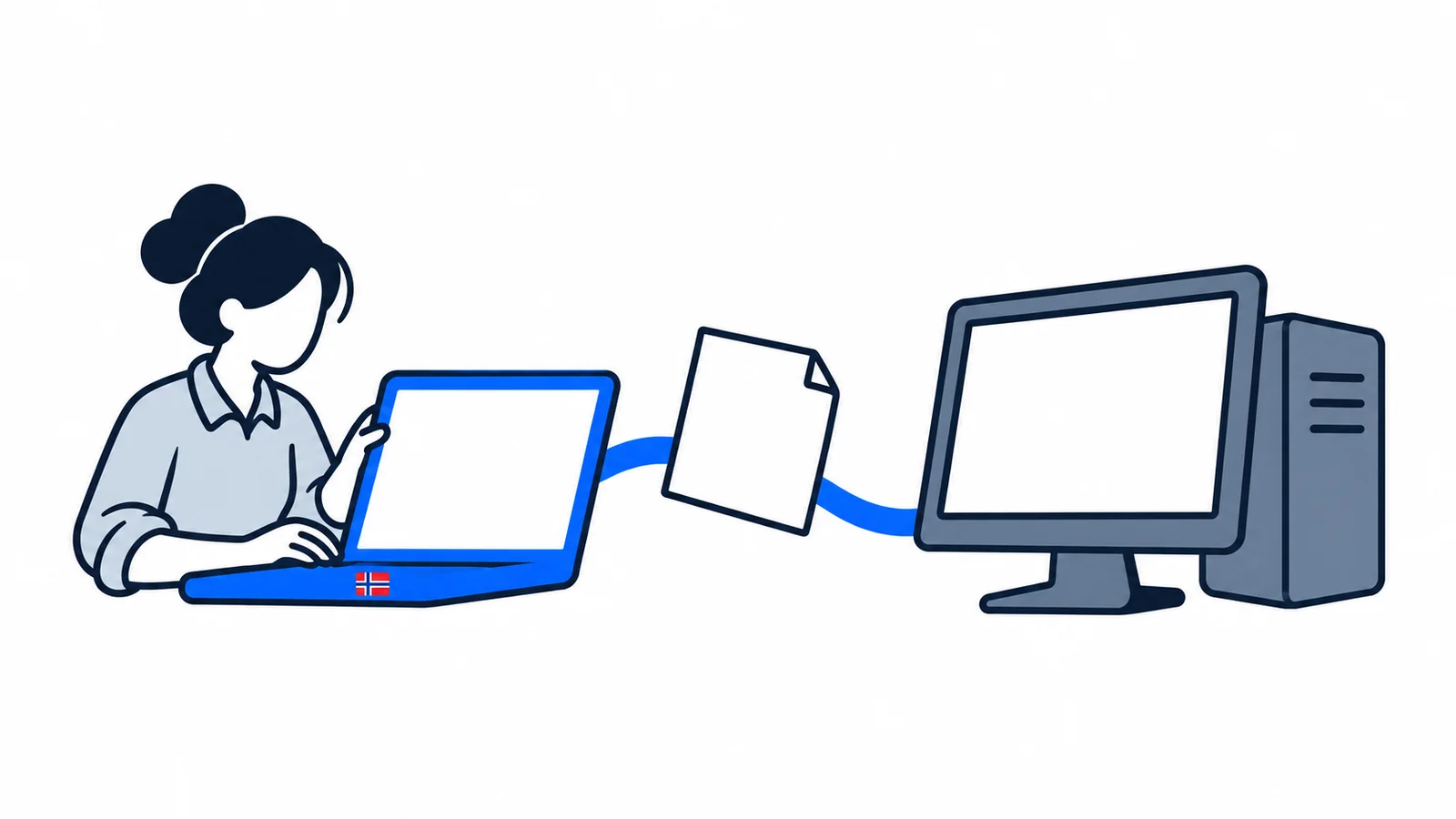

You send an EHF invoice through invoicing software or an online invoicing portal that supports the format. Check the customer’s organisation number and invoice reference before sending. An emailed PDF is not an EHF invoice, even if it looks like an ordinary bill.
How do EHF, PDF and eFaktura differ?
EHF stands for Elektronisk handelsformat, an electronic trading format. Information is sent as structured data that the customer’s accounting system can process. You normally fill in fields in software; you do not need to create the technical file yourself.
DFØ explains the format and transmission. DFØ is Direktoratet for forvaltning og økonomistyring, the Norwegian Agency for Public and Financial Management. Documents travel through the Peppol network via access points: services that transfer them between systems.
| Solution | How is it used? | What should you clarify? |
|---|---|---|
| EHF invoice | Data goes to the recipient’s accounting system. | Whether the customer can receive the invoice format and which reference to use. |
| PDF by email | You send a readable file as an attachment. | Whether the customer accepts this delivery method. |
| eFaktura for a private customer | The bill appears in online banking or a payment app. | Whether you need a solution for bills addressed to private customers. |
The eFaktura service explains receipt in online banking and payment apps. Do not choose this service simply because the customer has written “electronic invoice”. Ask the customer to clarify whether the order requires EHF.
This guidance was checked on 2 November 2026. SamfunnPrep has more explanations of Norwegian services and working life.
What should you ask the customer before creating the invoice?
Ask for the invoicing instructions that apply to your particular customer. A company name on a website is not always enough to identify the correct legal recipient.
Have the following information ready:
- the name and organisation number of the business that will pay
- the contact details of the person who placed the order
- the order number, contract number or another agreed reference
- a description of what you supplied and the agreed price
- the payment due date and any attachment requirements
Also ask which field should contain the reference. “Your reference” and “order number” may serve different purposes. A number appearing only in a PDF attachment is not necessarily available in the field the customer’s system uses.
Consider creating a customer template once these details are confirmed. Still check the reference for every new assignment. A previous project number may be wrong for the next delivery.
Do you need new accounting software?
Start with the system you already use. Ask the provider whether EHF sending is available and needs activating. Ask them to explain the price, setup and how to see whether an invoice has been delivered.
Digdir describes connecting through a software provider or access point. Digdir is Digitaliseringsdirektoratet, the Norwegian Digitalisation Agency. Do not order a separate technical connection until you have clarified what your system already includes.
If you send few invoices, an online invoicing portal may be an alternative. DFØ lists invoicing systems and simple portals. A portal lets you create the invoice and forward it through an access point.
Check the terms before choosing. Ask whether you can send credit notes, attach documents and export a copy for your accounts. The list is a place to find solutions, not a promise that they are all free or meet your needs.
How do you check whether the customer can receive EHF?
Use the customer’s organisation number in the system’s recipient search. Check the name returned and that the recipient supports invoices. Being able to receive another type of electronic document is not enough.
DFØ’s recipient-search guidance shows several options. In Peppol Directory, you can search by name or organisation number. Open the details and check which document types the recipient supports. Peppol BIS billing v3.0 corresponds to EHF invoicing.
An empty search result is not a definite no. Listing in Peppol Directory itself is not compulsory. Search information may also be missing or incorrect. Ask your software provider or the customer to check the recipient address if you are unsure.
ELMA is an electronic address register. It includes information about recipients and document types. Receipt may also be registered in another equivalent register in the network. Your software provider normally handles setup; you do not send an invoice to ELMA as an attachment.
Which fields should you check?
EHF changes the delivery method, but does not make incorrect content correct. Check dates, the parties, the description of the supply, amounts and the payment due date. Let the invoicing software assign the invoice number.
Altinn’s invoicing guidance describes the document requirements. It also explains when MVA should appear after the seller’s organisation number. EHF is not a separate rule about which VAT you should charge.
Reference requirements can vary. Mattilsynet asks for the buyer’s reference in “Deres referanse” (“Your reference”). Its order-number field should normally be empty, except for purchases through the procurement portal.
Statnett describes a different order of priority: the purchase order number first, then the contract number, or the recipient’s name if those numbers are unavailable. These are examples of customer-specific rules, not a common template for all invoices.
Ask the person who placed the order to confirm the correct field if the instructions are unclear. Do not copy a reference number from another customer’s guidance.
What should you do after sending?
Note the invoice number and look for a status or receipt in the tool. Ask your provider what the different statuses mean. “Created” does not necessarily mean sent or delivered.
Keep the invoice and relevant attachments as part of your bookkeeping routine. If the customer says the bill is missing, provide the invoice number, date and recipient’s organisation number. You can then investigate the same transmission.
Technical delivery is not a promise that the customer has approved the amount or paid. The customer may still have questions about the supply. Follow both the transmission status and payment.
What if the invoice is rejected or incorrect?
Read the error message before trying again. Check the recipient, reference and mandatory fields. Contact the software provider about technical errors and the customer about the order or invoicing instructions.
Do not send the same payment demand again through several channels without clarification. First ask for help finding out whether the original invoice arrived. This reduces the risk of the customer processing the same demand twice.
If an invoice already sent needs correcting, you can create a credit note under the usual rules. Altinn explains that the credit note must refer to the invoice it corrects. Clarify the practical procedure with an accountant or software provider if unsure.
SamfunnPrep’s practical tools can help with Norwegian services and terminology. For your particular transmission, the customer’s invoicing instructions and help in your invoicing system are the most important next steps.