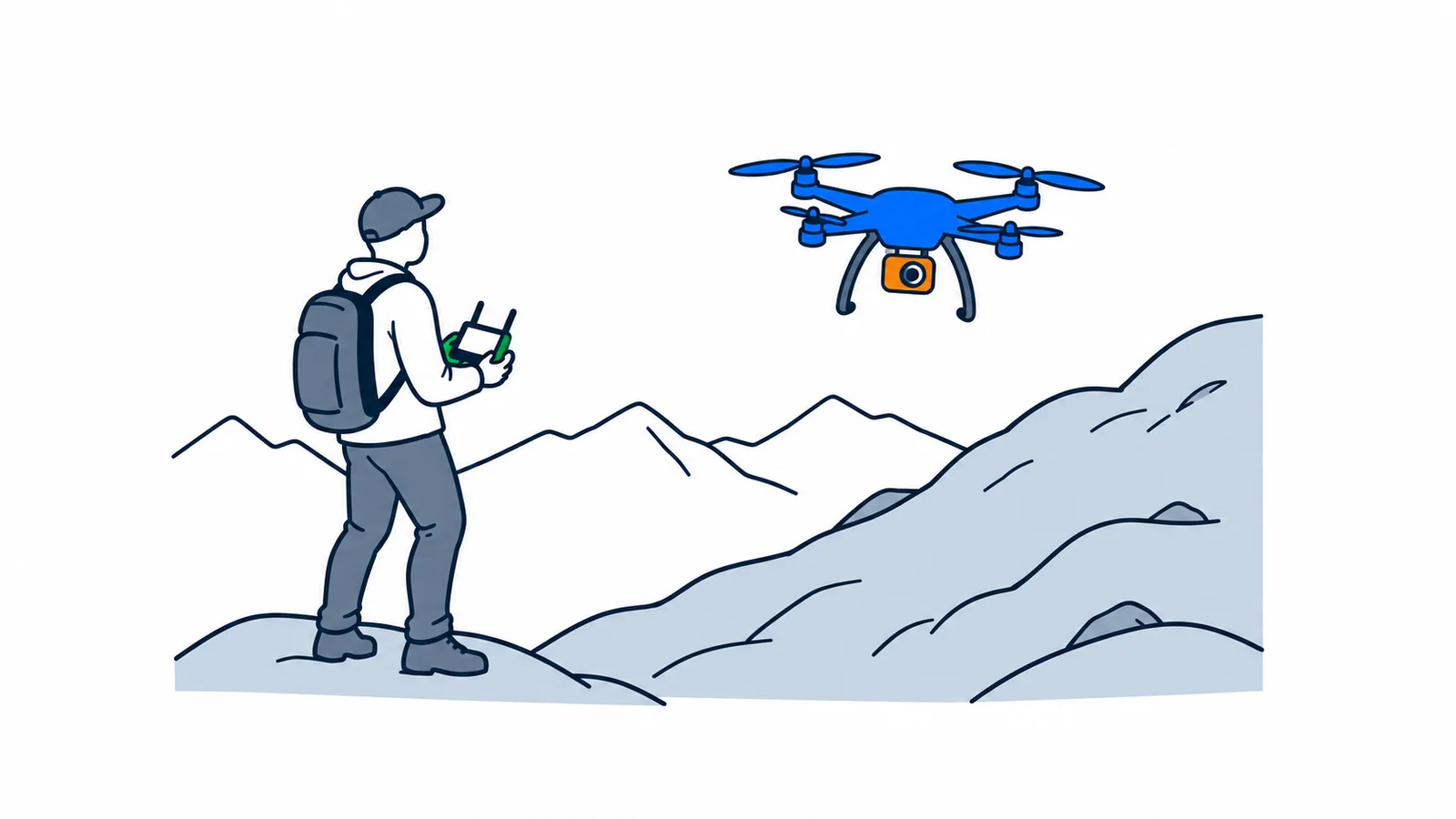

A camera drone weighing under 250 grams normally requires registration, but no course or exam. You must still follow the rules on where and how you fly. Check the drone's class, operator number and the area before your first flight.
Must you register a drone weighing under 250 grams?
Yes, normally if it has a camera. Exceptions include drones approved as toys. A shop calling the drone “mini” does not make it a toy.
Luftfartstilsynet, the Civil Aviation Authority of Norway, supervises civil aviation. This guide covers ordinary factory-built camera drones in the open category: low-risk flying within set limits. The rules were checked on 7 October 2026. Home-built drones, model aircraft clubs and more advanced flying may follow other rules.
An operator is responsible for drone use. A pilot controls the drone. When you use your own drone alone, you are usually both. Registration and pilot certificates are therefore two different things. Read the rules on registration and the open category, particularly Article 14 and Part A of the annex.
If you already have valid operator registration from another member state of EASA, the European Union Aviation Safety Agency, it applies in Norway. You must not register in several member states simultaneously. An individual must register in the country where they reside. See Luftfartstilsynet's explanation of registration from other countries.
What must you do on flydrone.no?
Register as an individual if you fly for yourself. On flydrone.no, log in using ID-porten, enter your details and pay the registration fee. Registration has an annual fee. Check the current amount on Luftfartstilsynet's registration page.
You will find your operator number on Min side. Mark the drone with this number. Do not use the number on your pilot certificate instead. The last three characters of the complete operator number are secret and must not appear on the marking. They are used when setting up remote identification, if the drone has this system.
If you are under 16, you must check the age rules before flying. The general rule is 16 to fly alone. Exceptions include certain toy drones and flying under the direct supervision of a pilot who meets the age and competence requirements. Low weight alone does not provide a general age exemption.
Which course do you need?
This depends on the drone's C class, weight and how you intend to fly. C0, C1 and C2 are manufacturer markings. The CE mark alone does not tell you the drone's class.
| Common drone | What should you check first? |
|---|---|
| C0 or older drone weighing under 250 grams placed on the market before 1 January 2024 | Can be used in A1; normally no course or exam required, but read the user manual. |
| C1 | A1/A3 online course and exam; do not plan flights over people who are not involved. |
| C2 | A2 requires additional competence; alternatively, you can follow A3 rules with A1/A3 competence. |
| C3, C4 or older drone without a C marking weighing from 250 grams to under 25 kilograms | A3, with an A1/A3 course and exam and a good distance from people and buildings. |
For older drones without a C marking, the table applies to drones placed on the market before 1 January 2024. You cannot change a new drone's class yourself by attaching a sticker. Clarify any retrospective marking with the manufacturer.
The A1/A3 course and exam are taken online through flydrone.no. A2 has more requirements, including self-training and an additional theory exam. Use Luftfartstilsynet's overview of categories and C markings before choosing a course.
In A3, you must remain at least 150 metres from residential, commercial, industrial and recreational areas. People who are not involved must not be exposed to danger in the flight area. None of these categories permits flying over crowds. With C1, you must minimise the time over other people if an unexpected overflight occurs.
Must you have liability insurance?
Normally yes, but there is an important exception. The insurance requirement does not apply when the drone weighs less than 250 grams, including its payload, and is used in the open category. A drone weighing exactly 250 grams does not qualify for this exception.
Payload means equipment or anything else you carry on the drone. Additional equipment can therefore change which rule applies. Also check the manufacturer's maximum take-off weight. If you need liability insurance, it must cover damage to others. Ask the insurer about coverage. The exception is in the regulations on unmanned aircraft (BSL A 7-2), § 6.
How high and far can you fly?
As a general rule in the open category, the drone must be within 120 metres of the closest point on the Earth's surface. This is not always the same as 120 metres above your take-off location, particularly in mountainous terrain.
You must normally be able to see the drone and monitor the airspace around it. An image on the remote controller's screen does not replace this. There are special rules for matters including observers and the follow-me function; check them before using such options.
Read the user manual and check wind, battery and obstacles. Stop the flight if it becomes dangerous for people, animals or other aircraft. Do not fly near an ongoing rescue operation without permission from the responsible rescue service. The requirements follow from UAS.OPEN.010 and UAS.OPEN.060 in the annex to the EU regulation linked above.
How do you check whether the location is legal?
Check several factors. One app or the drone's built-in restriction does not necessarily cover every prohibition.
- Open Dronesoner.no, Luftfartstilsynet's map of geographical drone zones. Read the location's conditions and check updated NOTAMs, notices about airspace conditions, using the map's link to ippc.no.
- Check airports. Within 5 kilometres of an airport, you need permission from the local air traffic service.
- Check sensor prohibitions with Nasjonal sikkerhetsmyndighet (NSM), the Norwegian National Security Authority. Permission to fly does not automatically mean permission to film.
- Check protected areas and local rules before taking off.
Avinor uses NinoxDrone2 for digital applications at the airports covered by that service. The old Ninox Drone ceased to be used on 12 June 2026. NinoxDrone2 shows the five-kilometre zone but no other restricted areas. A submitted application is not permission. See Avinor's updated drone information.
You also need permission from the local person in charge to fly over or near military areas and vessels, embassies or prisons. These rules are in § 7 of the regulations.
NSM has a separate map of areas with sensor prohibitions. Foreign aircraft visiting Norway must notify NSM when using sensors, including photography and video. This must not be confused with a general requirement for all residents with foreign citizenship. Read NSM's rules on airborne sensor systems.
Special flight restrictions apply to Russian-owned or Russian-controlled aircraft, including drones, among others. Clarify this with Luftfartstilsynet before flying; ordinary registration does not remove these restrictions.
Can you fly in nature and share your videos?
Check the area and images first. Many protected areas prohibit drones. Each area has its own conservation regulations. Find the area in Miljødirektoratet's guide and map, open the fact sheet and read the regulations.
Where flying is prohibited, you must first obtain permission from the area's management authority. The prohibition may also cover flying into the area from outside. Outside protected areas, you must still avoid disturbing birds and animals.
Respect other people's privacy. Before sharing a video where particular people are the main subject, you normally need consent. Statutory exceptions exist, but a situational image is not automatically free to use either. See Datatilsynet's advice on sharing images and the guide to privacy in Norway.
What should you check before your first flight?
Choose a quiet location that suits your category. Check the class, weight including equipment, registration, required competence and insurance. Read maps and permissions again for today's flight. Plan where you can land if the situation changes.
If you need help assessing online sources and sharing, read about digital judgement. You will find more resources in SamfunnPrep's tools overview.